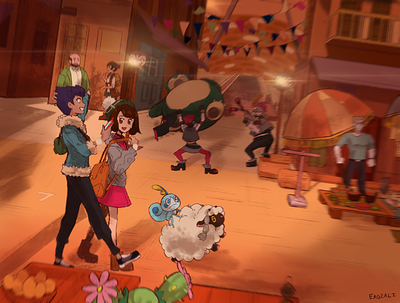
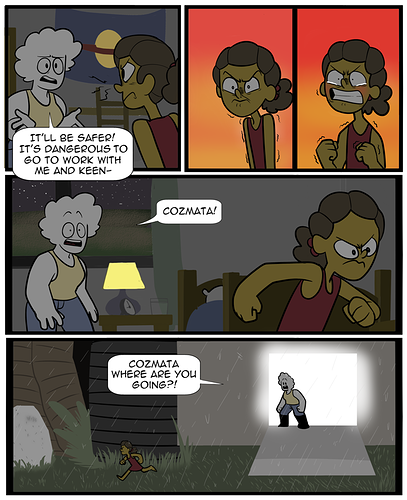
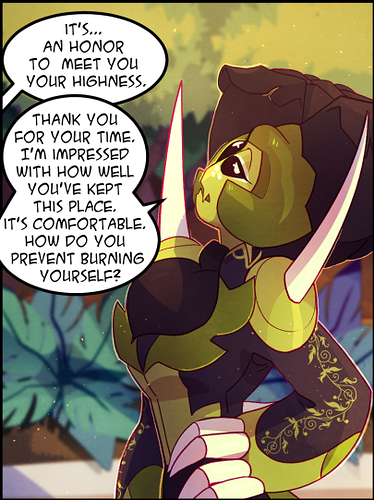
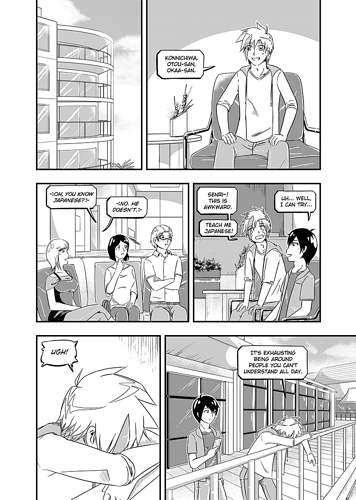
I have my character lineart and background lineart on separate layers. The background lineart is all in the same color, regardless of the colors of the objects in the background. The shading is one multiply layer for the background and I use another blending layer (usually hard light) to unify the color scheme of the background. In my art style, a thicker, black outline surrounds the characters, so even though the interior lines of the character are colored, the black outline forces the character to pop.
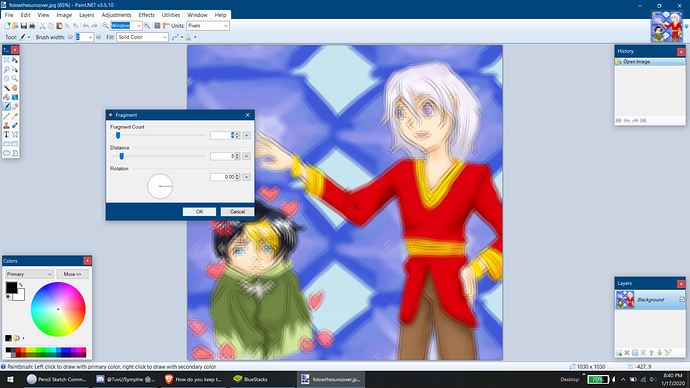
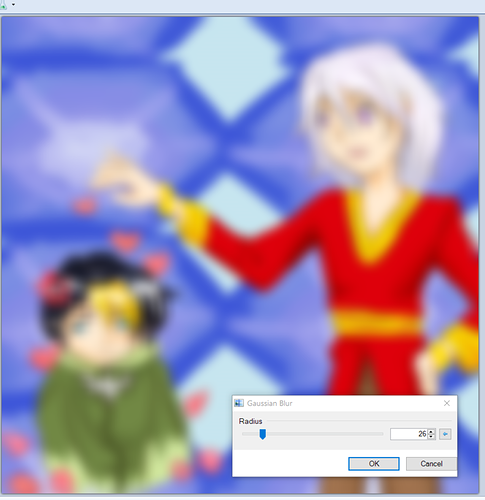
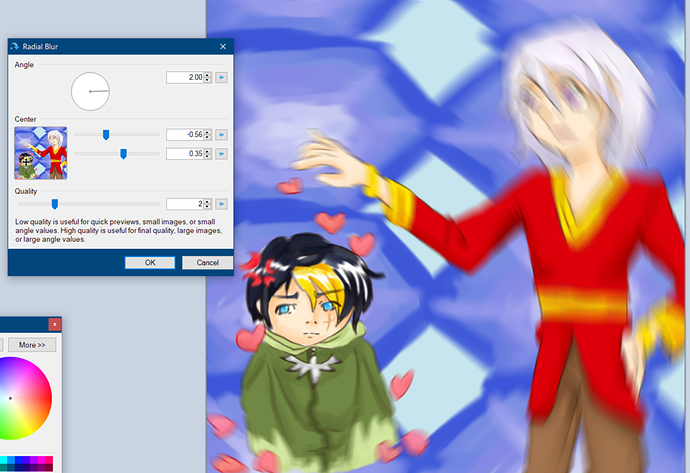
A good way to force the background back is to use a blending layer. As long art the background flats are separate from the character flats, you can use a blending to further consolidate the colors and make them look flatter. You can also desaturate the background colors. Now you can can do this with a blending layer or by hand. Limiting the color palette of locations is a good idea and make the color schemes monochromatic or analogous. You can also make the background completely lineless.
I think your issue with saturation. I also had this problem in my first chapter. Take the time to limit the colors you use and also desaturate them as well.