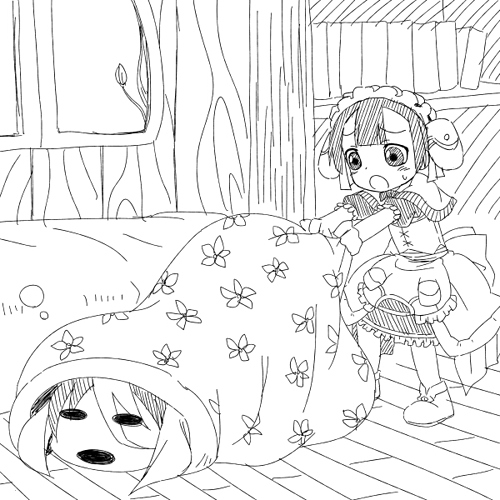
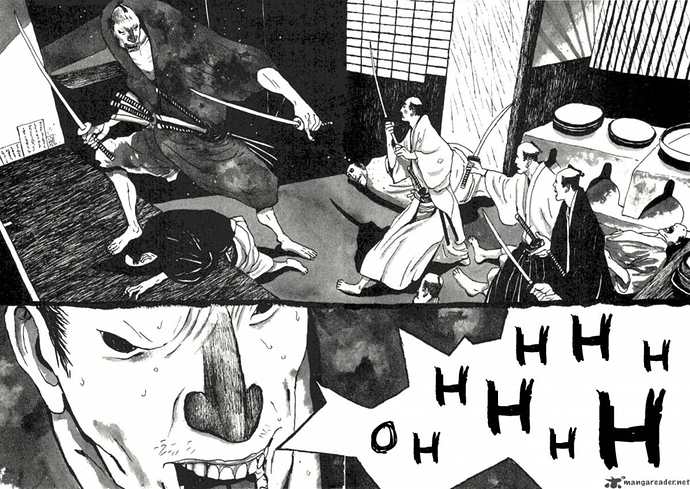
For black and white with line work, definitely export your print-ready files at 600 dpi. And depending on the printer, you might have to convert the image file to bitmap. I had to do so to get the crispest lines possible when printing through CreateSpace. I like CreateSpace because it's print-on-demand, so you only pay for however many copies you want, and can sell them too. It's also pretty cheap imo; my 128 paged b&w book costs me only $2.38 per copy.
Some printers however will only accept 400 dpi or lower, I know PrintNinja is like this.
If you're unsure, best to just contact the printers and ask.
Also check if the printer has default book sizes, because most commercial printers have a few sizes to choose from. Custom sizes are usually not available or cost a premium. Layout your pages according to those dimensions through a program like InDesign, or just create a new canvas in your drawing program of choice at those dimensions, and drag and drop your artwork onto there.