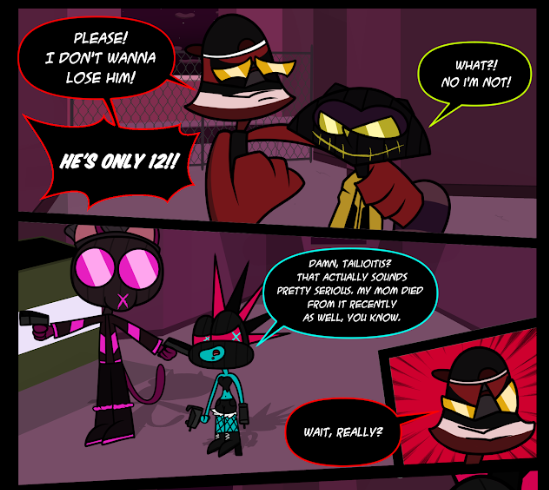
Over the almost 6 years that I've been working on Trespasser I've developed a bit of a style for my speechbubbles.
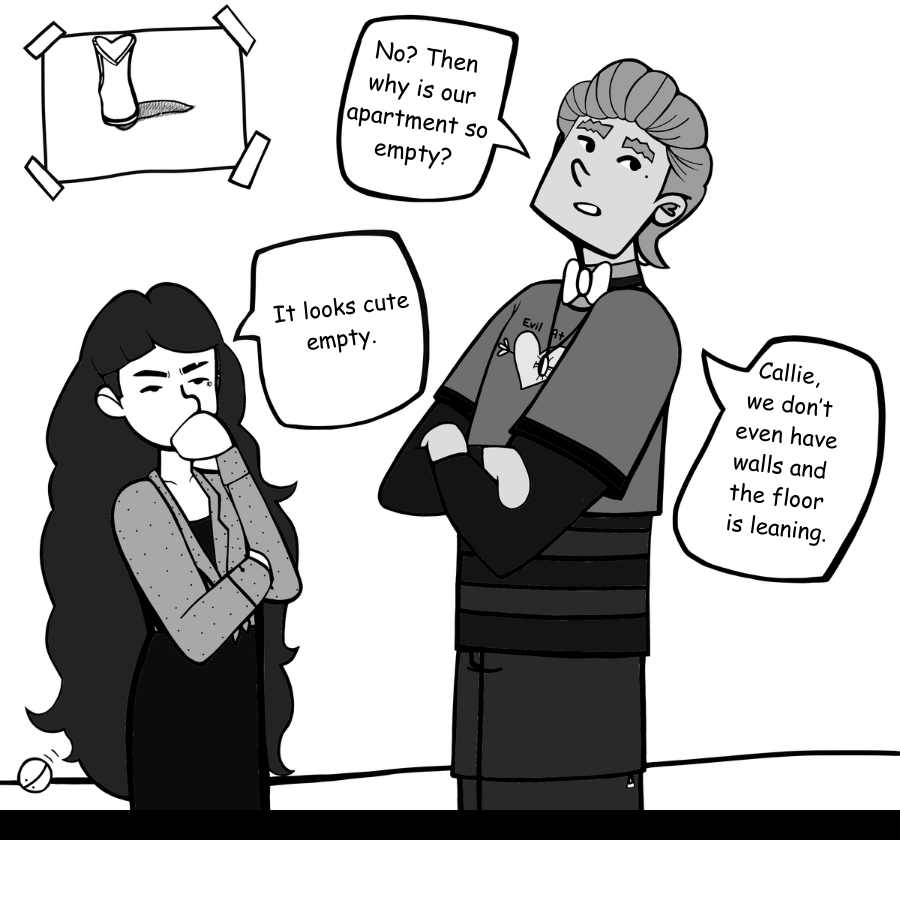
It's basically this, a long thing rounded rectangle with a thin line coming from it ending in a sharp point. I try to never stack more than three lines dialogue on top of each other.
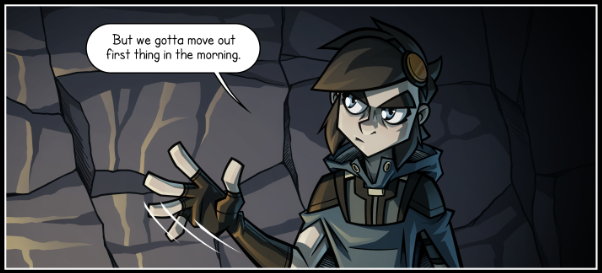
One variant on the basic bubble is this for characters speaking off screen. Instead of a line that travels from the bubble to the speaking character, there's an indent in the bubble.
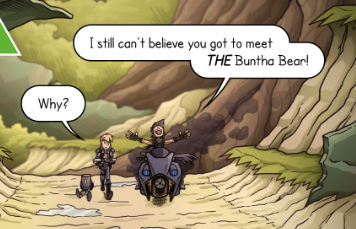
Anoter variant it this stacked bubble. I will use these if there's two sentences spoken in short mount of time. This method allows them to exist in the same frame but makes it clear they're two different sentences. I will alos use it if I want to emphasize a specific portion of the text, such as the example here.
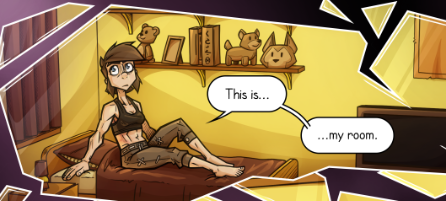
A final variant is the linked bubble. I use these when a single line of dialogue is spread across multiple panels, so the appropriate piece of text can exist in the right frame, and keeps clarity on who did the speaking. But I'll also use it to draw out a line of dialogue over a stretch of time, like when a character has a pause in their speech, such as in this example.
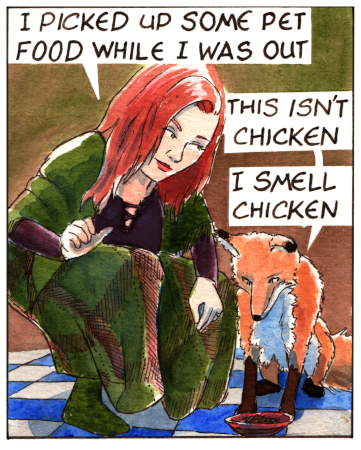
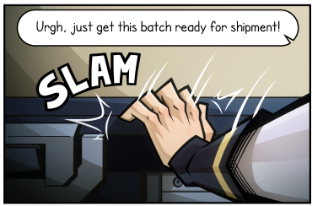
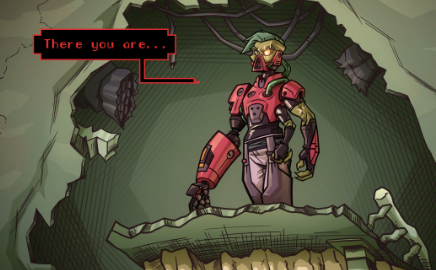
Finally, for some characters I use an entire different style of speech bubble. For this character I wanted to show that they speak in a distorted mechanical voice. So instead of the nice rounder rectangle, I use a squared off/hard cornered text box. I also use a different font to emphasize the difference.
I'm by no means a professional letterer and all of this is just me making stuff up as I go along haha.