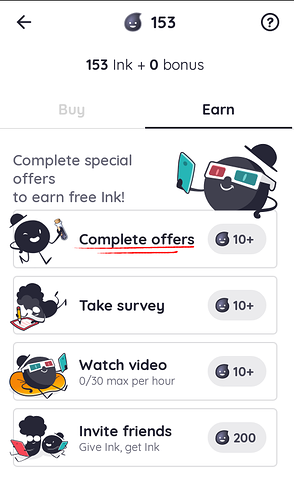
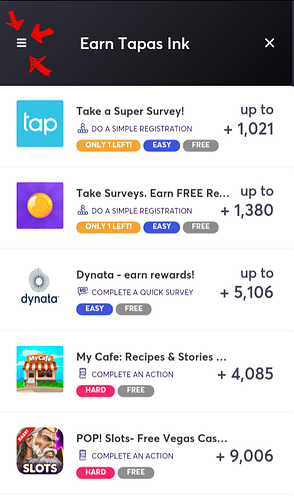
If it was done through the "Complete Offers" section of the app you might also want to check if you've gone into the status section to manually mark the task as being completed yourself.
Something I'd noticed was for offers/tasks that would take more than a few hours/days have this, so in case you haven't following these steps might help
so first go to the free ink section and go back to complete offers
then hit those three lines to open the menu (this is what i'd overlooked)
next go to the status tab
it'll show you all of the offers you've completed and those that are in progress
then all you have to do is select the offer you've finished and tap complete (you can also use this to double check if you did everything the ofer asked because i've missed some steps/details on a few)
and like @Zinx said some of these offers are time sensitive so if you can try to keep track of the number of days that've passed from when you started because the system won't count it if you've gone over, that i've seen