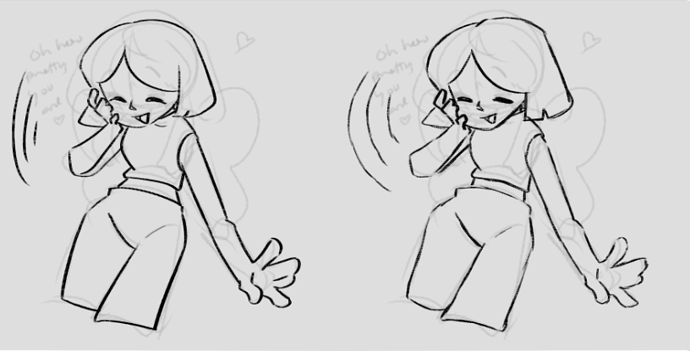
medibang doesn't have the fancy lasso thing that csp has so you'll definitely want to at least try to improving your line quality
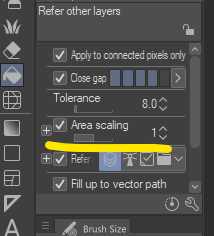
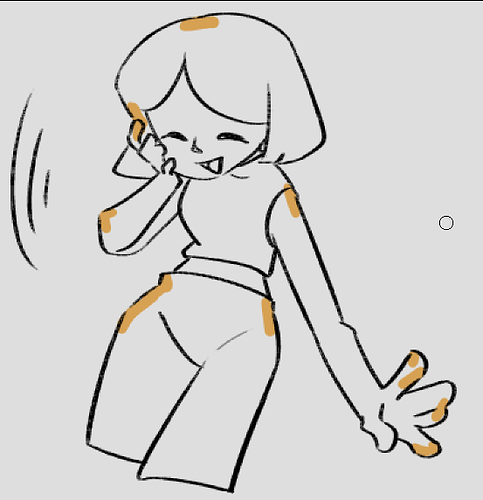
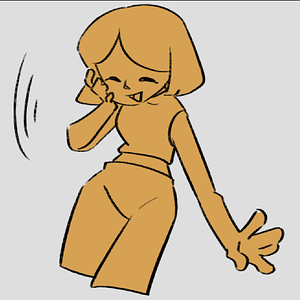
but usually i'll go for the magic wand + bucket tool combo and have the expand setting put to about one or two pixels depending on line thickness and in instances where gaps between lines may be a bit bigger go under em in another layer with the pen brush in the color i plan filling with
but it's definitely important to make sure you've got your lineart and your colors on separate layers and take into account details if you end up needing to go back and edit them
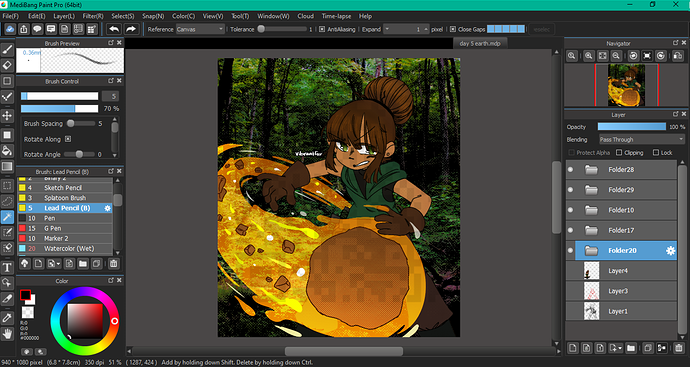
like one of my files looks like this where each folder is a batch of layers separating the background from the character from the effects and so on
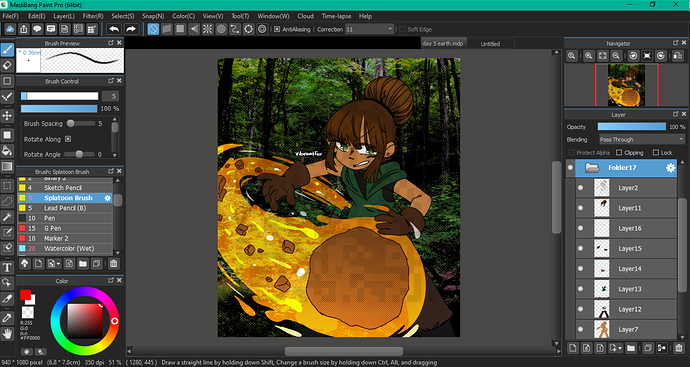
and then a peek at one folder group for just the character colors (so a layer for base skin, eyes, clothes, accessories, hair, etc)
the painful reality tho is you just kind of have to practice improving how you do lineart so that the coloring process is quicker or hold out hope that features from one program eventually get added to the one you use (goodness knows i had to do a lot of brush substituting or texture borrowing from other software or websites until medibang started adding more stuff and that's after having used it for more than several years)