Hi! Thanks so much for getting back to me, I really appreciate it! I wish there was a way to show you with screenshots, but I'll do my best to explain it with great detail.
So I'm trying to start my own webcomic. It's only been about three or four months since I started drawing digitally (I've been a traditional artist literally all my life. I just recently (as you can guess) started understanding layers, they're function and how to navigate and use the tools (at a bare minimum) in Medibang.
Step 1: So I added panel material, shaped it the the way I liked, locked the layer (did all the fill it white and add another layer over it thing) and then sketched out what the first page would be.
Step 2: I made lineart for the comic page, deleted the sketch layer and was for sure I was ready to color. I REALLY want to color my comic and not back out as the color is integral for some of the story.
Step 3: I watched tutorials and ended up merging my layers (all of them) so that now I had a final layer that reads Layer 23 ) or however many layers I used or needed. *When I merge the layers (I have no text bubble or text yet) I'm given three option, a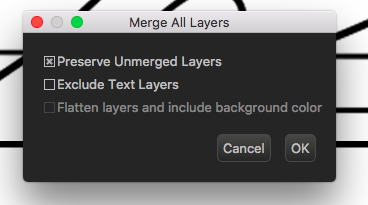
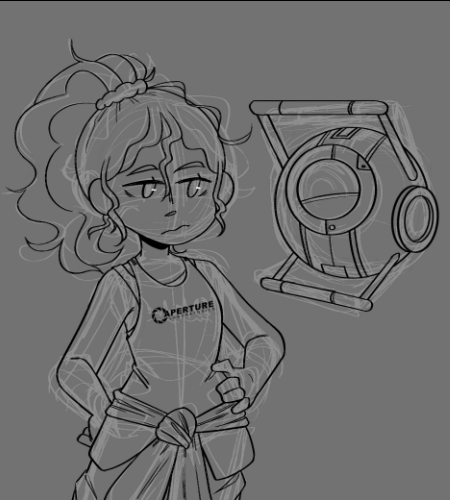
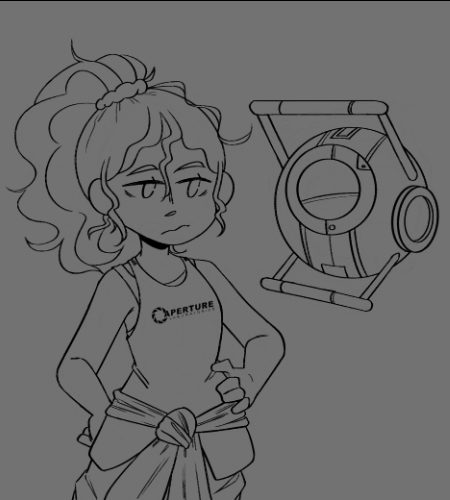
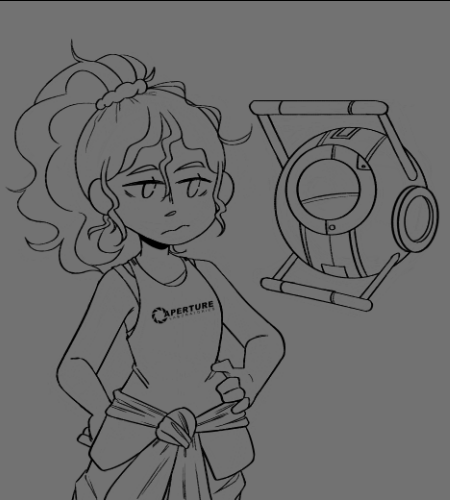
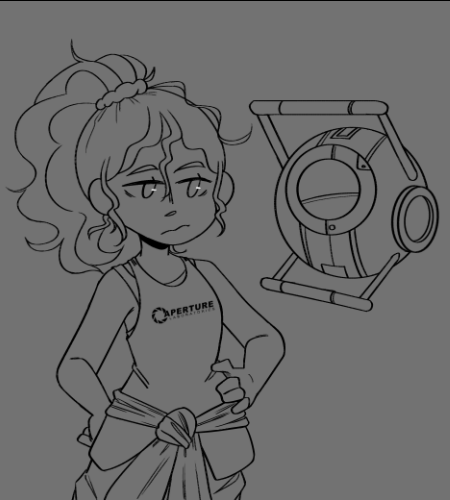
lol never mind figured out how to add pictures
I always pick the first option.
Then I was told to create a fresh new layer (for colouring), to put under the "Layer 23" though when I try to use the brush it does nothing, and when I try to put the layer on top this happens
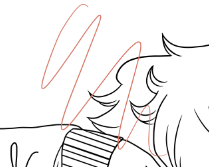
I can't use clipping for some reason (I think I just don't know how) and I've tried duplicating the lineart layer and working on that (every which way mind you) only to realize mistakes in the lineart ) when I'm just colouring the lines and not the outside. Ex: Trying to recolour the lines of his hair to brown but sometimes black with just stay there.
I figured out how to change the "Blending mode to "Multiply" so I can color inside, but I literally have no knowledge on that either.
Sorry to throw a book at you, but I'm so frustrated and none is really helping 
Thanks again! Let me know if you need to see any other screenshots,
Atina34