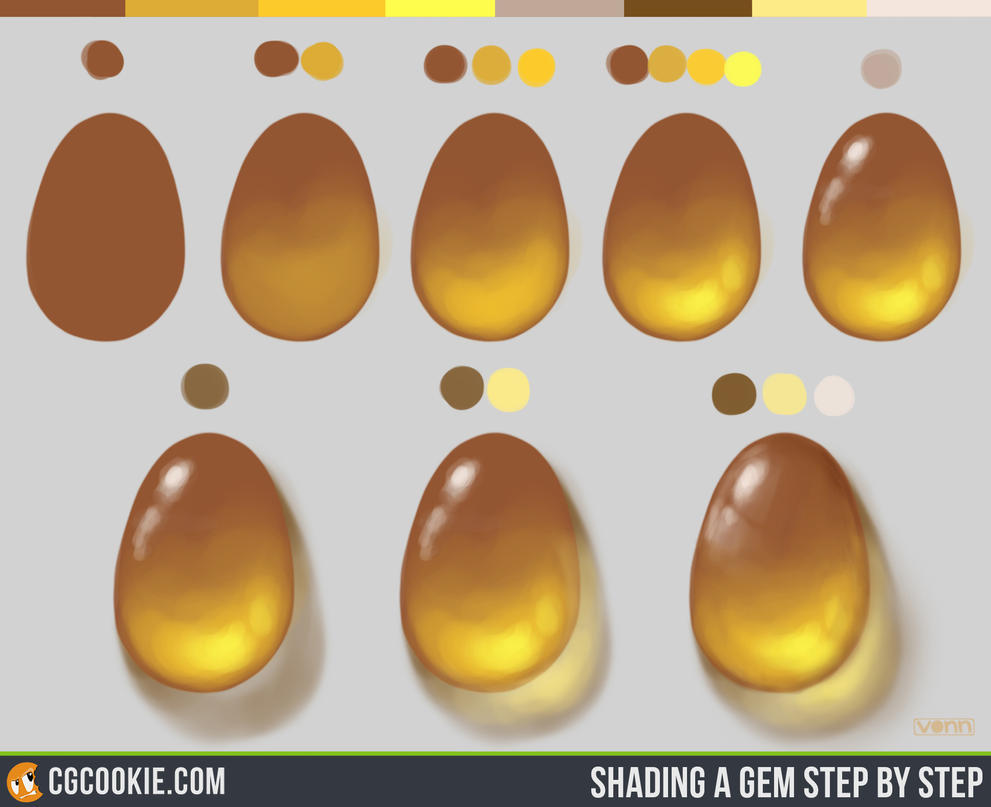
Sure!
The brush should be the biggest you can use for what you're drawing. For example, if you're filling in a 100px wide band, set your brush at 100px and pull it through in one stroke! You know when you want to fill in a larger area on a paper with a color pencil and you just sit there and scribblescribblescribble for ages? No need for that, just enlarge the brush until you can fill in the area with a few strokes!
Here is a great video tutorial explaining pressure sensitivity in Sai: Link Opacity is just one of the settings, but it's explained there too!
Clipping: Say you drew a cat on the layer below and clipped a layer to it. If you draw on the clipped layer, you'll only see what's "over" the cat. In other words, you're not drawing on the transparent pixels of the layer below.
And the fourth bullet point: Value is a huge topic, and I don't know how much you know, so I'm not sure where to start, but let's have a look at this thing I made in clip studio paint to show you what I mean (see picture below). I copy-pasted your painting twice into my program (which probably is pretty similar to sai), so we can compare. On the second one (which is on its own layer) I hit ctrl+u and got the dialog box you see to the right. There you can change hue, saturation and brightness. We're using the second bar, and turn down that saturation until all colors are gone. As you can see now, it's all pretty much the same grey!
If you scroll down a bit you can see two other pieces for comparison, where I did exactly the same thing. Here you have a wide range of greys, from very light to very dark. I eyedropped them and splotched them out to the right. That's the value range of the painting! Now compare this to the value range of yours: It's very narrow, and very dark! Even if you wanted it to be generally a dark image, it's harder to read and less pleasing to the eye if the contrast is low (= the value range is narrow). As you can see in the count of monte christo piece, it's very dark, but still has enough bright light where the artist wanted us to look! The spirited away scene seems narrow in value range, but it's actually wider than it seems as well. So what can you do? Paint brighter lights and darker darks!
It's a good idea to start out a painting in greys only. That will force you to think about the lights and shadows, and prevent "compensating" with colors.
For more information on the topic, I recommend the following videos: LINK 1 LINK 2 And from James Gurney's blog (buy his book Color and Light if you're serious about getting better!) LINK 1 LINK 2
But really, you could browse the internet for ages and keep finding more about it.
Oh and a word of caution: If you're using studio photos as a reference, they will have a very narrow value range which is VERY hard to replicate (and of little use to replicate too, unless you're aiming for hyperrealism). Photos taken by a non-pro camera are also often struggling with displaying a full value range. This is why it's good to look at paintings by classic masters, as they have perfected the art of replicating what the human eye sees and making it look good!
(click to enlarge)