Hey!
I personally do this steps:
1. I make each panel in 18.1 x 26.04 cm as If those panels were to be made into a traditional comic. The reason is I want to preserve the images large enough to maybe someday, If I want to, print them in high quality. It's harder when the image is smaller to fit it into anything else.
2. Each image I save I cut it to the maximum in the file explorer. Again it helps with quality.
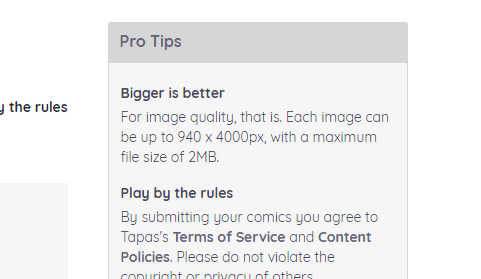
3. I have the Photoshop file the exact size Tapastic recommends: 940 x 4000 px
4. I place each image and make sure it looks ok with the preview button in Tapastic (you can upload the image/episode and not release it, instead you preview how it will look. I try to make sure it looks good enough for mobile and desktop)
Font I use in case you need it is back issues 8px
Optional extra step if you want to make it for mobile: When in Chrome, press left click of your mouse and select Inspect. Some code will emerge at the side. Look for a smartphone icon in the bar above that code and press it to have a preview of how it will look like in the phone. It's not exactly the same but you get an idea. To get out of this, just press the x situated in the top let corner.