So I haven't used photoshop to do comic editing before and the last time I used illustrator was 4 years ago so I can't really compare the two.
The thing that eats up the most time is trying to get the "shape" balanced, and in pro, that often meant playing around with adding spaces and using newlines in the middle of sentences. If I added words or changed the phrasing, I would often have to hunt for those custom spaces/newlines.
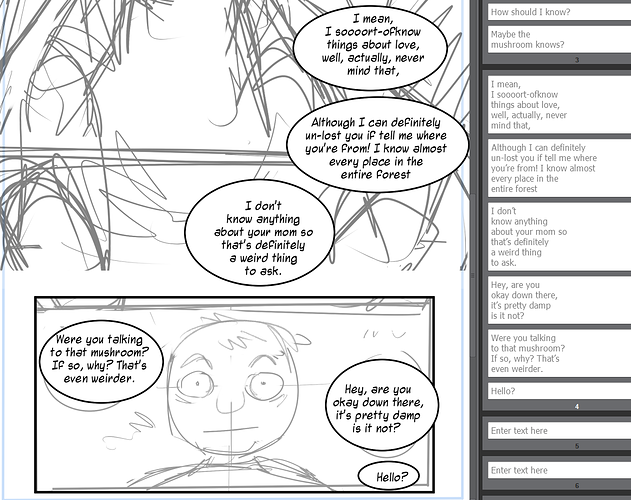
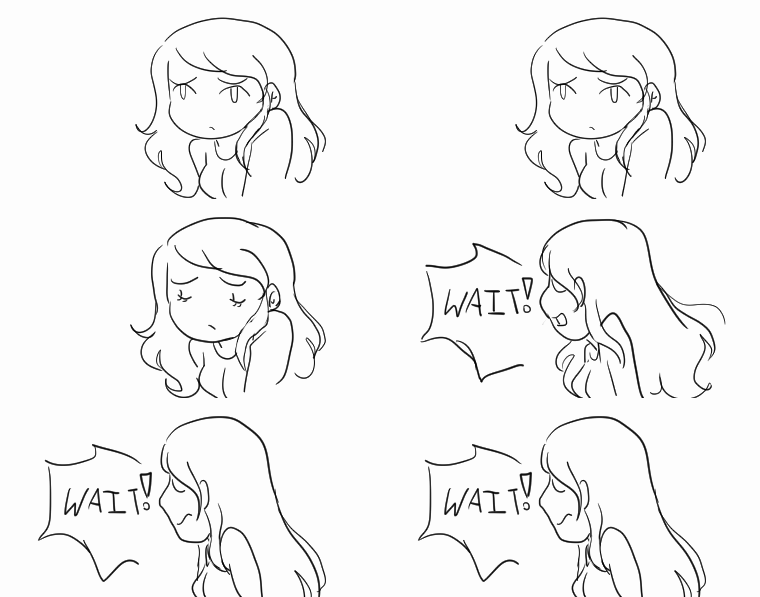
I played around with an old comic draft and here's what the storyboard looks like with the lines broken up:
One annoying thing though is that it doesn't seem to like editing lines that were made without the editor. The text is grayed out and it won't let me change the lines unless I modify it inside the "artwork". That might be because I made this particular page years ago so maybe it's an old version, but if you have to retype your lines to fully import pages that can be annoying. I'm still playing around though so who knows!
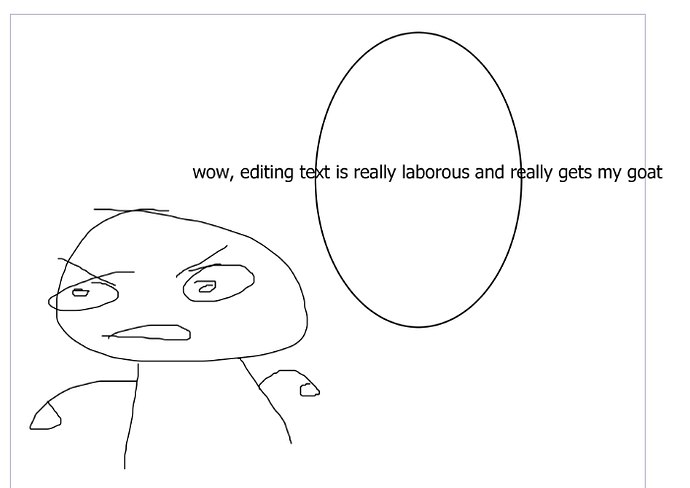
edit: Oh did you mean like, if you made a bubble a set size, does the text break itself up into lines automatically? It doesn't actually, or if it does, I have no idea how to consistently activate it. Dragging the bubbles around always moves the text but I can't seem to assign text to a bubble like illustrator used to do