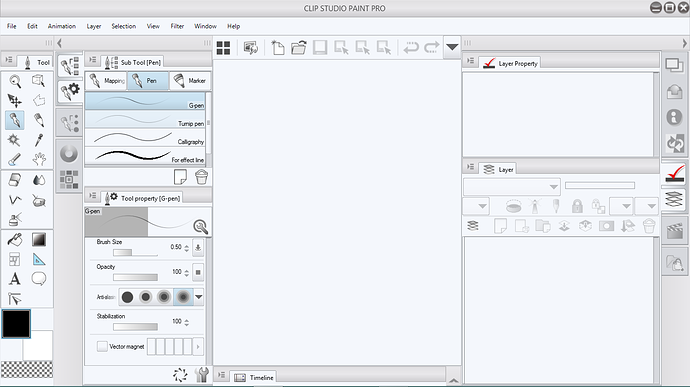
CSP let's you drag and reorder everything manually. Open the "Mapping Pen" section on the subtool and left-click and drag the actual tool back over and hover it over the "Pen" section and unclick. The mapping pen should show back up in the "pen" section. (I think this duplicates it so you may want to delete the version left behind in "mapping pen" and it'll remove that section). The same should work for moving the marker back to where you want it.
Hopefully this explanation helps.
Also for the random rotating, if you are using a monitor that allows both pen and finger touch (even if you can't draw with your fingers) it may rotate your canvas if your hand/arm accidently touches the screen in a certain way. Otherwise I'm not sure what might be causing it.