What's cool about coloring comics is that everyone has a different system and I think even between each individual comic that the same artist makes will have a different pipeline as well, so it's good to try out stuff.
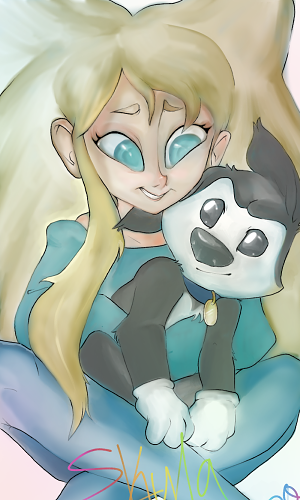
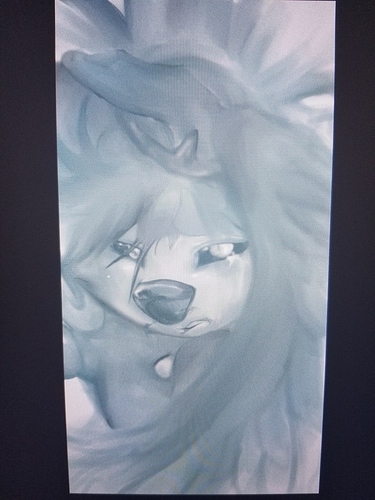
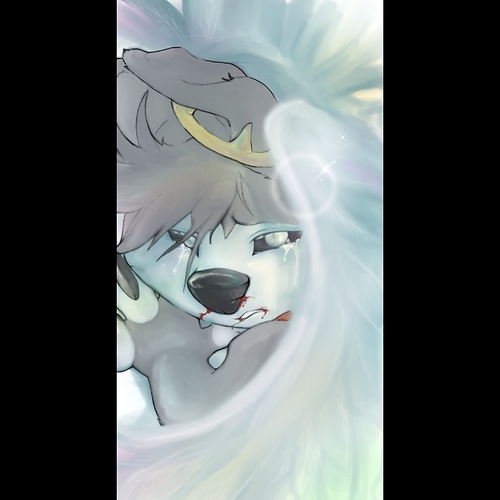
For painterly comics, I treat painting a comic exactly the same as I do painting a standalone illustration. I like to see the whole page as a large illustration rather than panel to panel. So I'll start with doing grayscale, and then doing a thumbnail of how the colors flow, and then coloring with big strokes so it all looks like one cohesive painting. It takes a while to do though, so I'd only do it for a project you like a whole real lot.
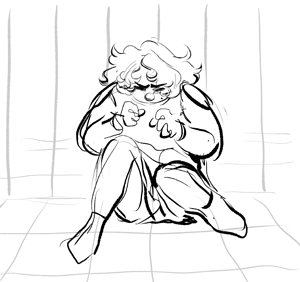
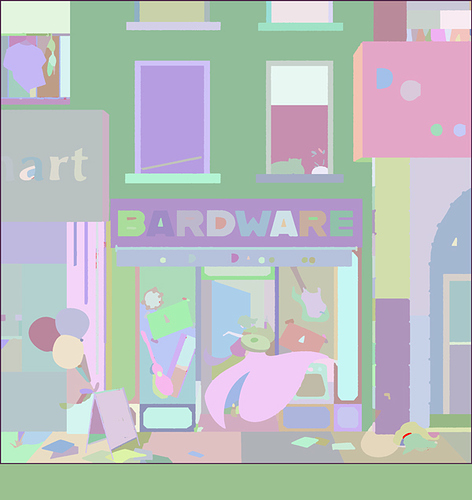
When I'm doing a lineart method, however, I save time by using Flatton (https://www.ayalpinkus.nl/cgi-bin/flatton.cgi) and what it does is you put in lineart and it puts out some computer-generated flats so you can make color selections. So I'll get this sort of thing from Flatton
(And I usually have to fix some areas that flatton can't read, but if you have thick enough linework it works pretty well.) And then I can lock this layer so I don't accidentally modify it, and then, using the magic wand tool I can select from this layer and then do the fill for those selections on separate layers. So I can get to a finished place like this
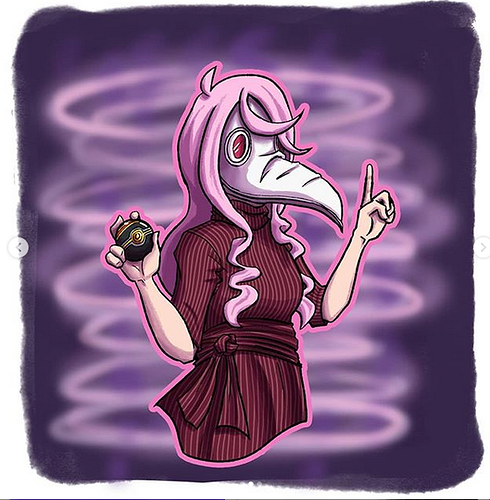
In significantly less time. I pull all my colors from one defined palate I chose beforehand (and for a scroll comic like this one, I've already done a large color study of the whole strip, so I know what colors should be dominant where) It's a lot simpler than a full-painterly comic, despite the work being like 20+ layers by the time I'm done, but I also spend about 6 less hours making it so it's really good for something you want to do on a time budget.