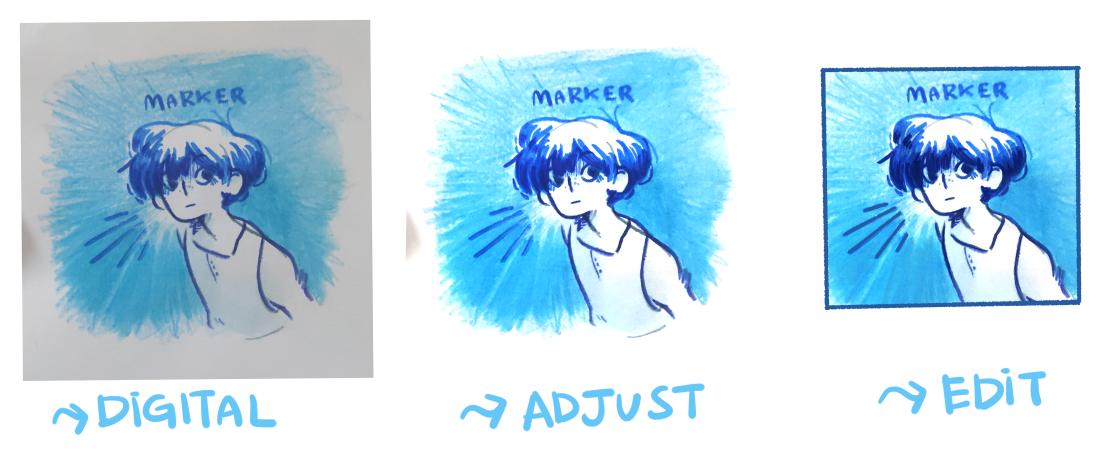
With whatever program you use every program works pretty similarly. The basics of what you need to know is the layer settings and your brush options.
The layer settings are your friends, they won't talk to you until you interact with them. The basics ones that you have to know is the delete button, new layer button, clipping/masking layer button, blending mode (for effects) and folders.
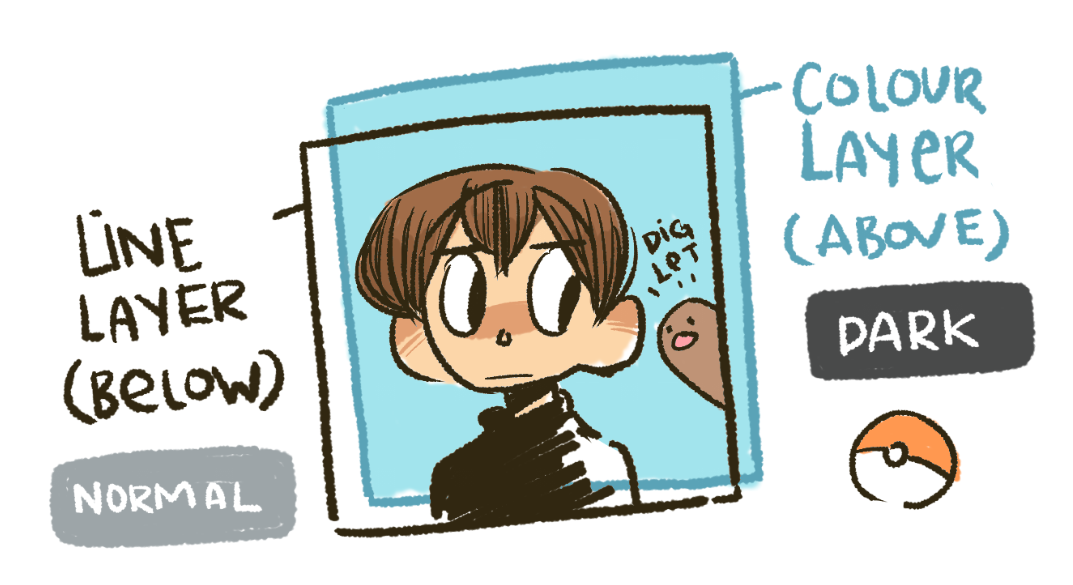
The clipping layer tool is my favorite, it's a basic one but a huge life saver in the digital art world. It's kind of like a masking tool where you auto select a layer and edit within that layer's boundaries. The clipping tool is where you clip other layers on top of the bottom layer. I like it because you can always go back and change/remove the layers you want off without redoing the entire layer.
Blending mode is just a mode where you can change the mode of a layer, every new layer will start with the normal mode. What each mode is? They're just basically shortcuts for all the artist dummies like us, they can turn the brush you're using and make it a different color than what you initially picked. I recommend only using these modes when you're making final touches, it can make your drawing really noisy if not careful unless that's what you're going for.
The folders are basically just a place where you can tuck all your messy layers and put them in the corner and just forget about it, just like how people clean their mess.
As for the brushes, I'll let you play around with it yourself. Personally, I try to minimize the amount of brushes I use since I like the stay simple. The four brushes I use is the normal pen tool, the airbrush tool, outlined brush and a stamp brush. Stamp, stamp, stamp, stamp.
Now, these aren't everything you need to know, just basics.
Edit: Forgot the mention the select tool, the keeper of all tools. The program I come from has a short cut for selecting an entire layer which is ctrl+T or you can use the select tool, it's an icon of a circle or oval line that crisscross. With this tool you can select a layer or just parts of a drawing and move it to the position that you want. It's helpful in a way that it saves some time.