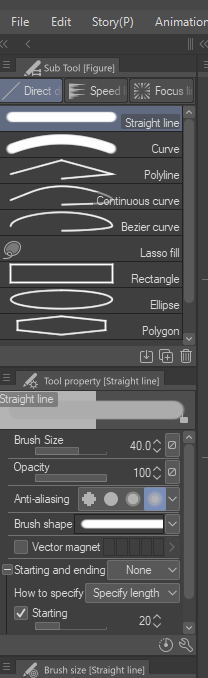
There are quite the ways to make lines in CSP
Method 1.
Click (No need to hold) press SHIFT and hold it, click again in desired area, a line will appear about where are you making your line. (If not, check your hot-key settings if it's not configurated properly)

Method 2.
This is the one I use while working on my Samsung Tab A7 Lite, so it doesn't take much nor isn't a lot of effort, Straight Line

Method 3.
Lineal rule, click and drag. Then when you use the brush it won't go sideways
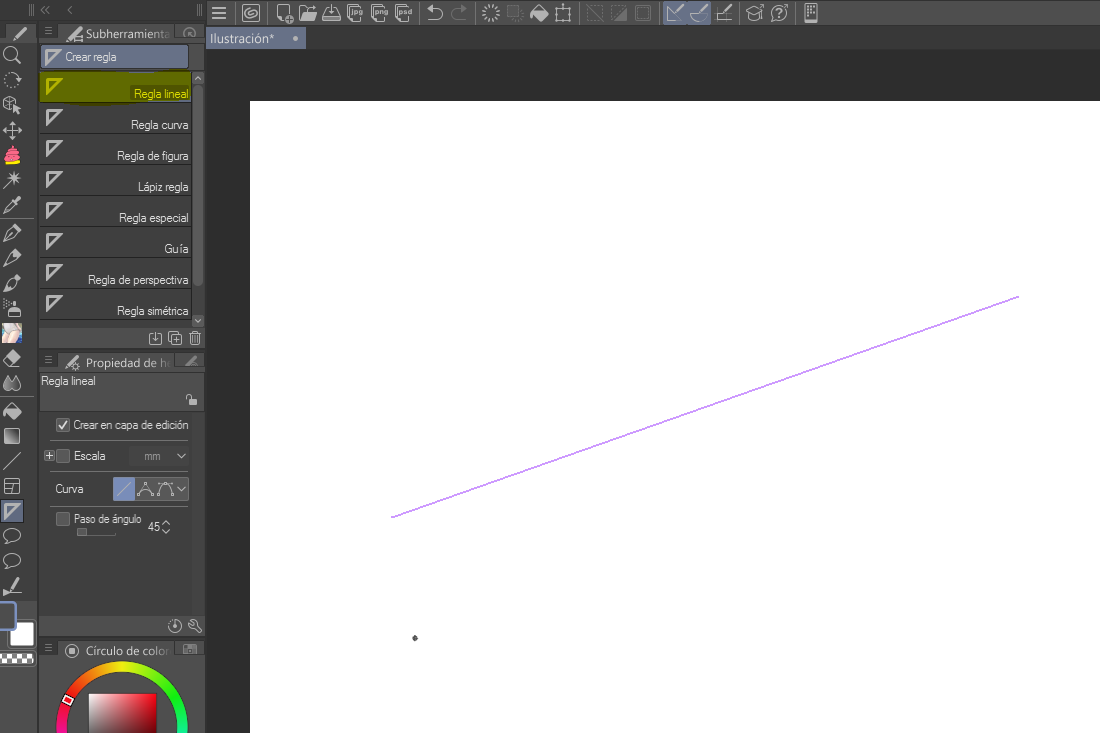

Method 4.
Perspective rule. Same thing with the previous one, the brush will follow the guide's intersection points (Red)