I agree with XiuLyn_12 that I do not quite understand what you trying to troubleshoot in CSP. Providing a screenshot of your CSP project would help figure stuff out.
But anyways here's some notes that might be helpful anyways.
(1) For "importing" pictures, I usually just copy-and-paste the picture file (png or jpeg) into CSP and adjust picture size from there.
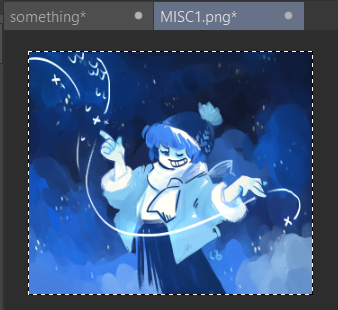
Open picture file in CSP. Ctrl+A to select whole picture. Ctrl+C to copy.
(in example below. "MISC1.png" is picture to import into CSP project file "something"
Go to CSP project file. Ctrl+V to paste. Picture will be copied into CSP project file as new layer.
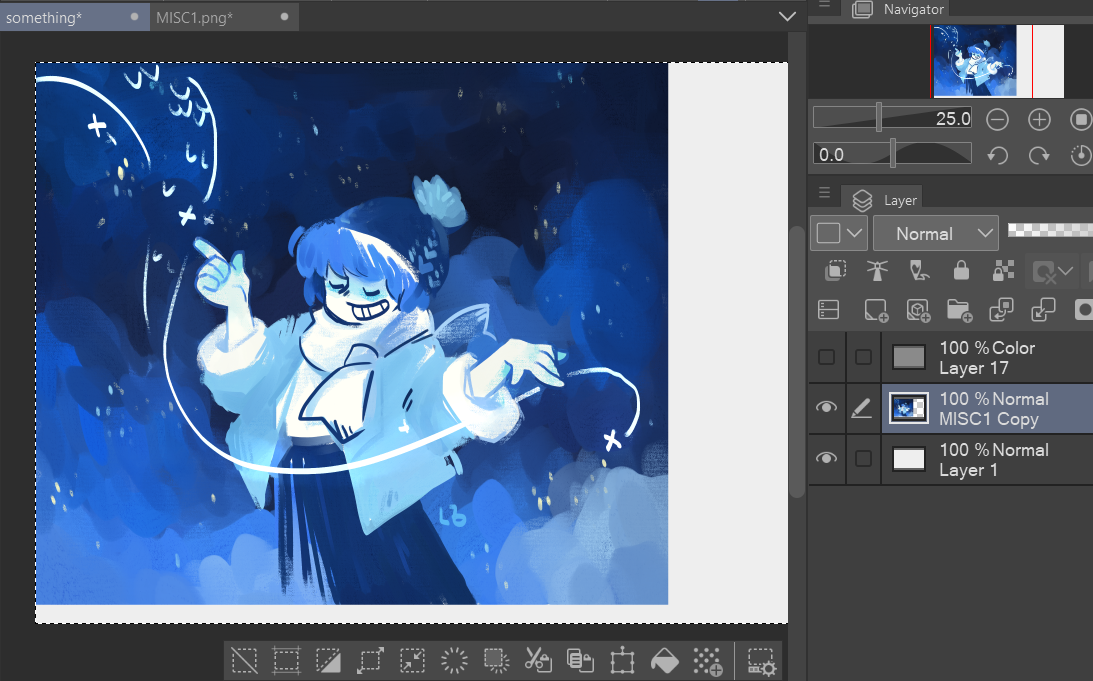
Use a selection tool (looks like dashed line shape, or ctrl+A to select all) in whichever layer you want to resize. A gray box with some options to edit this selection should pop up. Resize with scale/rotate.

In your case, you can try erasing the white border in the layer.
(2) Alternative setup for making comics. So I am more familiar with working in CSP as an illustration project rather than comic project, so I use layers for panels rather than whatever comic-making tools CSP has.

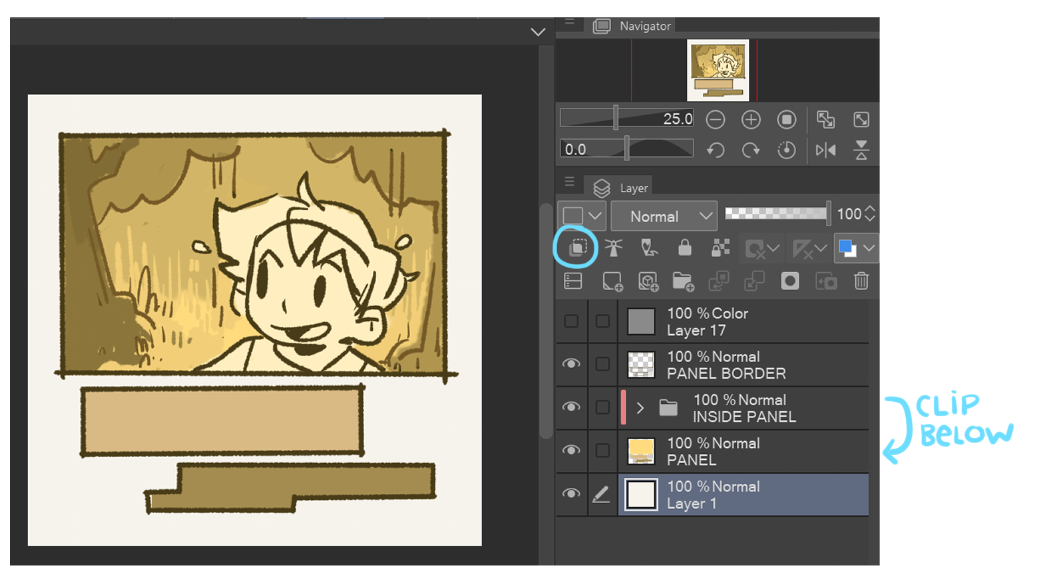
Roughly block out panel area on "PANEL" layer and draw lines around panel in separate "PANEL BORDER" layer above. Clip everything that should inside comic panel to "PANEL" layer. See below for example.