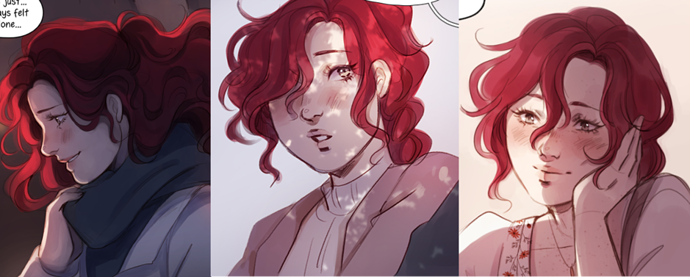
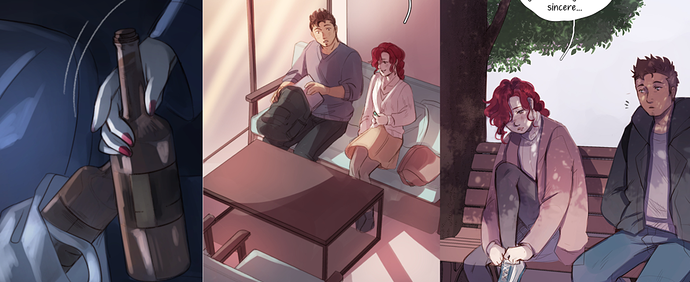
I'm gonna second what others said about using 3D models to work with complicated poses/perspectives and backgrounds. I rely on a 3D model converted for The Sims to draw Adrian's Harley Davidson, and sometimes I make my own custom poses to use as reference for panels. I rarely do straight-up tracing with characters, though, since I find sims models to be a little too blocky for my taste, so what I usually do is just making a rough sketch of the mannequin in the pose I need and then draw everything on my own. Sometimes sims pictures I already have are just used as a placeholder instead of actual thumbnails, too XD
I also copy-paste backgrounds:
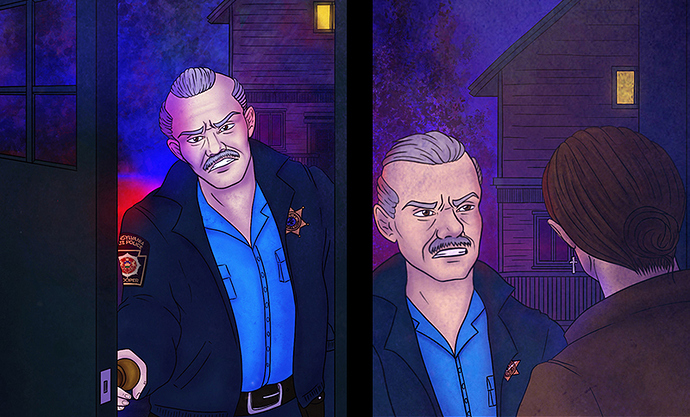
And I don't really bother with "proper" perspective on small/unimportant background objects. That house on the background is completely flat, there isn't any proper depth to its windows or decor, but honestly it doesn't matter because it's so tiny and balloons are gonna cover a good chunk of it anyway, so why bother? XD
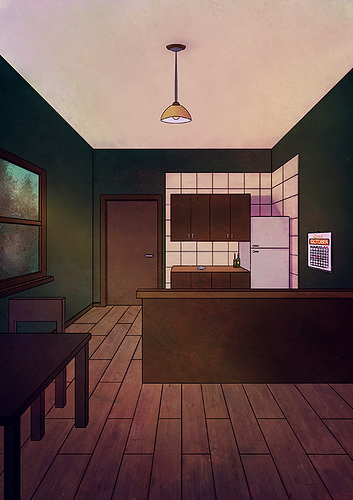
Another thing I did (though I have yet to use it) was to create a full page view of Adrian's kitchen, so that I can copy-paste, cut, crop and use parts of it for my backgrounds:
I also did a "night view" of the same room (read: re-used the same illustration and changed the colors to make it look like it was night, lol) and I plan to do more views for the rest of his house, too.
Copy-pasting is also used for stuff such as:
- Police sleeve badges. I have a separate transparent png of that sleeve badge so I can just copy-paste it into a panel and then use the warp and perspective tools to make it fit on the sleeve.
- Adrian's face tattoo. It has an uber complicated design and, being on his cheek, it's always visible, so instead of redrawing it every single time I just copy-paste it.
As for other tricks I use...
- Character flats are all on the same layer. Character shading is all done by masking the flat selection and creating a new layer set on "multiply". Only backgrounds (and, occasionally, foreground elements) are done on separate layers.
- If the environment has a different kind of lighting (see the blue/red police lights), I create a new layer, set it on "linear light" or whatever and brush whatever color I need on it to make characters "fit" into the scene.
- Textures and special brushes: instead of drawing uber complicated patterns or spending ages drawing stuff such as rocks, grass and so on, I either use textures (as seen in page 2 of my comic) or special brushes. The "Hartz", "Sword Grass", "Aurora" and "Snow Gum" brushes in Procreate have been saving my life so far.
- Lineart? Which lineart? Stuff such as trees and leaves don't have a proper lineart. I just use the aforementioned special brushes, maybe add a couple of black sketchy lines with the procreate pencil tool and call it a day. My first page was originally done in watercolors and used a similar technique, so I'm trying to keep the same feel in digital as well.