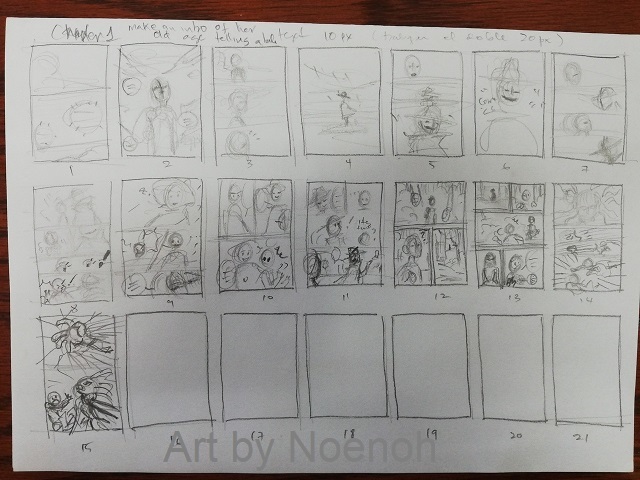
I'm still working this out by trial and error myself, but I can tell you what NOT to do. 
DON'T
- Draw things finished page by finished page. That's what I've been doing up until two days ago, and my pacing really suffered for it. I'll eventually go back and re-make those pages (and their vertical versions), likely toward the end of this year, once I have more practice under my belt.
DO
Okay, so this is what I do which actually is helpful. I think through my scenes as movies in my head, going through the dialogue, visualising different camera angles and so-on. Once I've got an imaginary scene I like, I'll pick out 'key frames' from it. Like storyboarding, but in reverse. These key frames are what end up as panels.
Once I've got all my key frames noted down, I try to figure out a panel arrangement which can accommodate them all. This is a challenge in page format, and it's what has messed me about a bit. But if you're only creating a vertical version, it's a little easier. It's easier to pace something when you can control how long a reader has to scroll between panels! You also don't have to worry about page turns.
After I have a page layout which I think works, I'll scribble brief notes in each panel before moving on and repeating the same process with the next page, and the next, and so-on. (Well, I do now. I didn't before, and I've learned my lesson.)
Something To Try
- If you do intend to have both vertical and page versions for your comic, try making your rough draft in one, then switch to the other, to see which way you find planning the most natural! I've drafted about 10 pages ahead using page format. In the next chapter, I'm going to try making my draft in vertical format instead. Then, I'll rearrange all those sketches into pages and panels. It may mean my page turns are less impactful, but I'll take that tradeoff if it means the web version has better pacing.