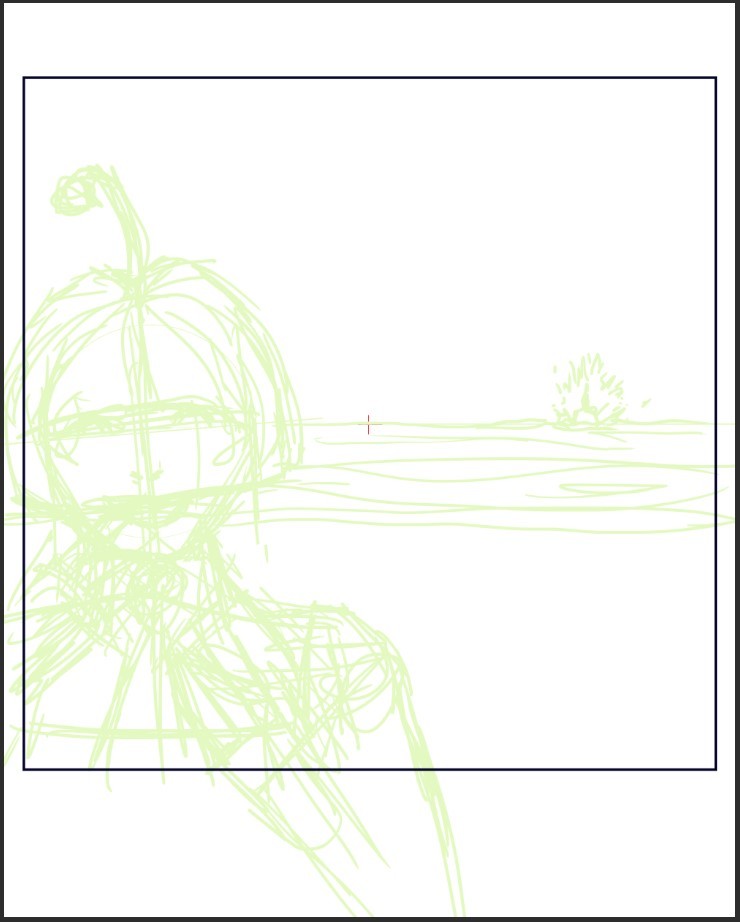
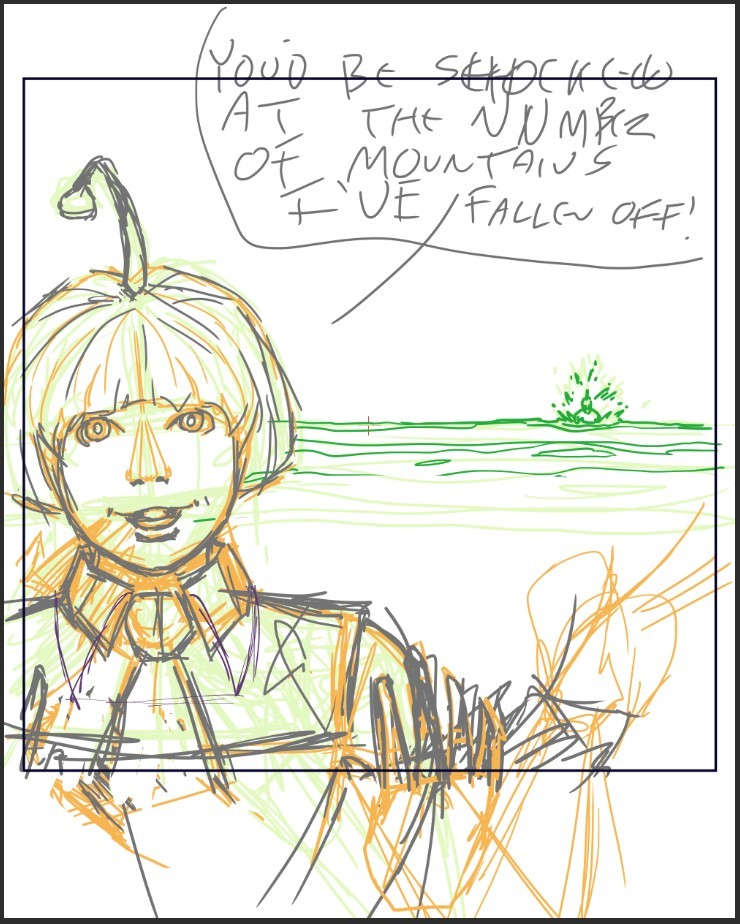
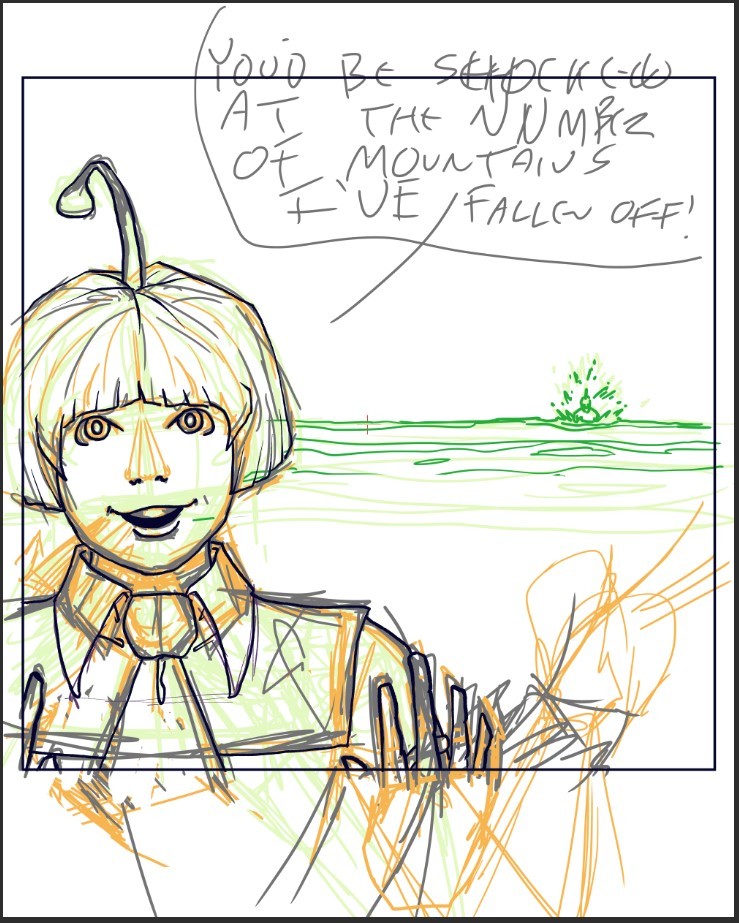
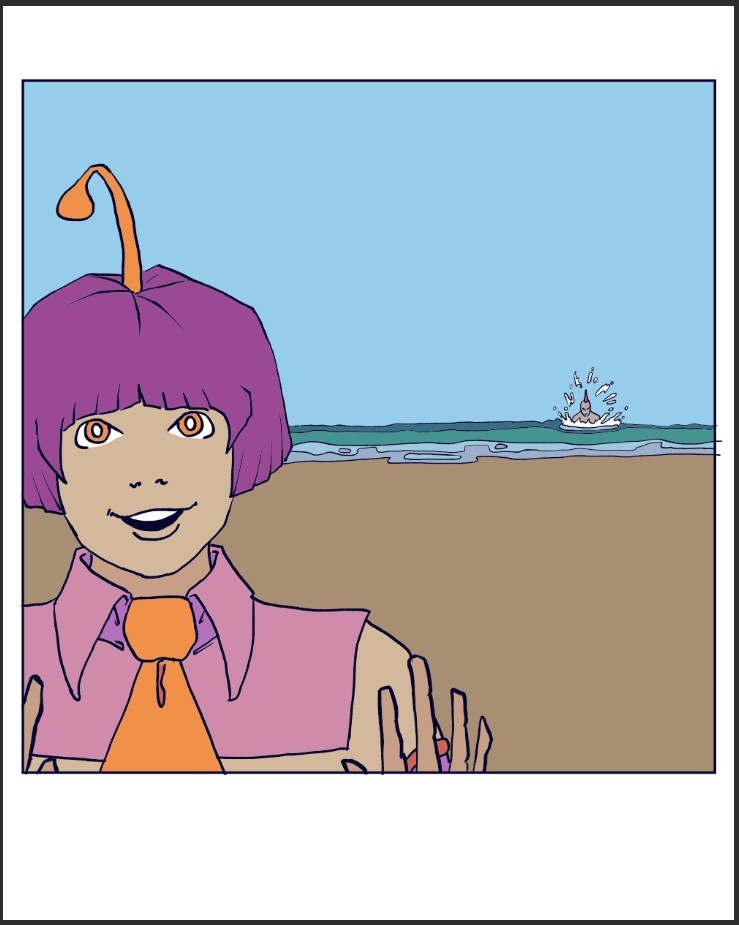
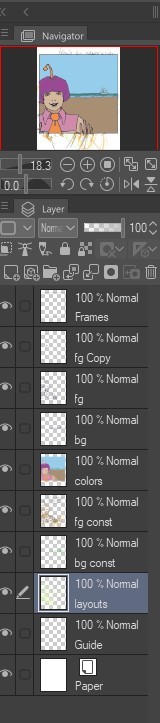
I do my backgrounds on a separate layer. If there is more than one character in the scene and they overlap at all (ie they’re hugging, fighting, or just one standing in front of the other) I will do each character in their own set of layers. In fact I usually do a layer for sketch, then first ink & basic colour, then final ink & colour, and then finally the background (I used to do the background first but discovered it’s easier for me to do the scene, then do a background around it). I will often do several layers for the background to achieve different textures, but once finished I will flatten all of the background layers into one. If there are any effects (like lighting, shadows, or magic) that gets its own layer as well.
Once the drawing is finished I simplify the layers: I’ll delete the sketch and first ink/colour, merge the character layers together (unless for some reason I think that I might want to use one of those characters elsewhere, then I’ll leave them separate), and merge any background/effects layers. This usually leaves me with a 3 layer drawing, which I save in a raw format for archiving (.KRZ using Krita). After I do this, I then flatten the whole thing into a single layer and save as a PNG for uploading.
I should also point out that my original drawings are HUGE, typically 5000-10,000 pixels wide. I like having a big canvas and I like adding lots of details. This makes for huge file sizes (sometimes approaching 500MB). Even flattened and compressed into a PNG they can be bigger than 50MB. Storage is cheap, though, so I always save them in their original sizes. I then reduce their size down to Tapas-friendly dimensions (940 pixels wide) and save them in a special folder (simply named “Reduced”), and I upload them from there.