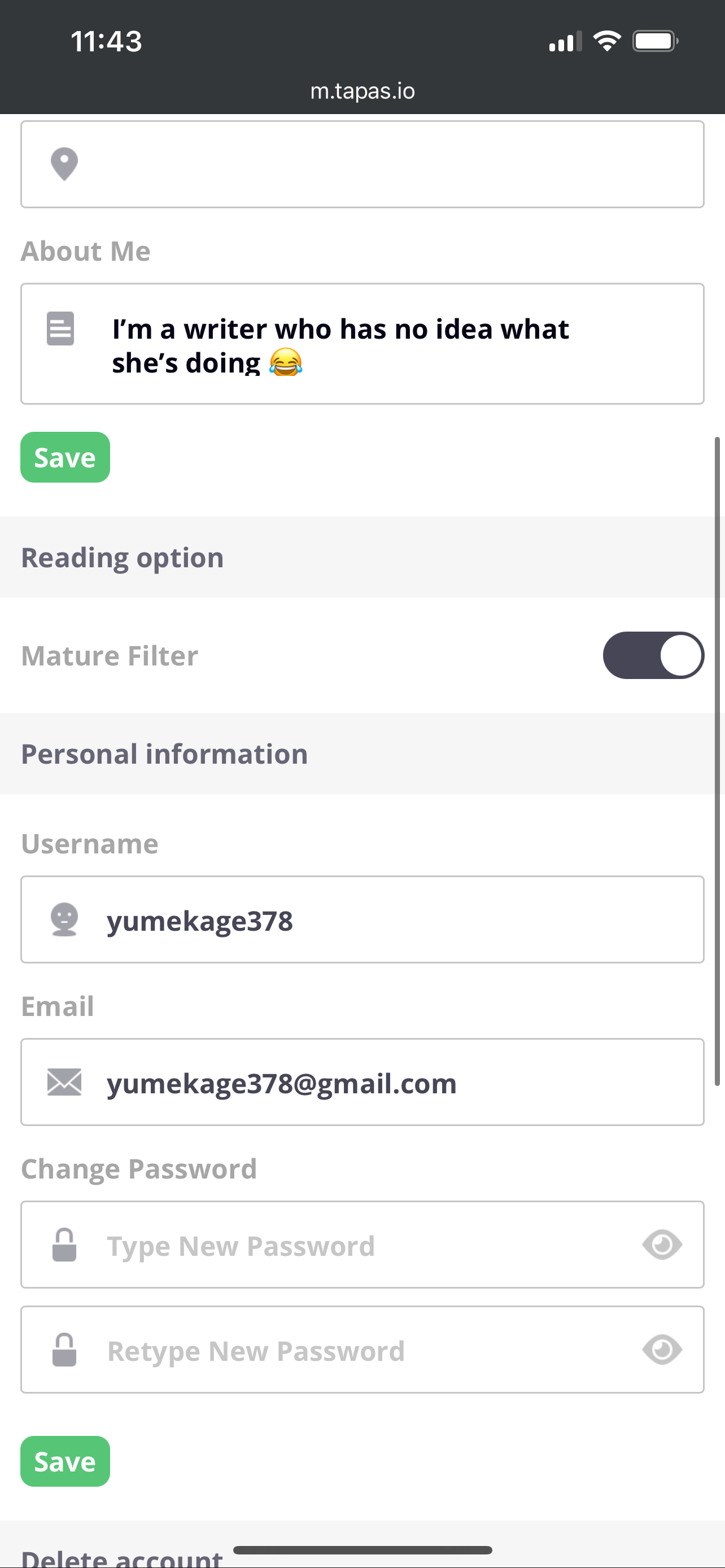
Yes just as @Kelheor said, please switch to a PC, it’ll show on settings where you can edit the PayPal email address. Once you edit it it won’t put the email in right away, you will see that when you try to leave the page it will replace the email with the previous email that you had it on. you have to go to the email you gave your tapas account because they will send a confirmation email there. Once you confirm that that’s the PayPal email address you changed it to with the email they sent, it will change the PayPal email address in your tapas settings. Please note that this is if you need to change the email address to transfer your money to your PayPal, if the email address is already correct, you don’t have to do anything, just review the email and hit transfer. If you don’t have a PayPal address, all that’s needed is to have an existing PayPal account, then enter the email address associated with your PayPal account in settings, then confirm with the email they will send. lol I think I rambled a bit but hopefully this helps  @MelancholicOtaku