The simple answer is:
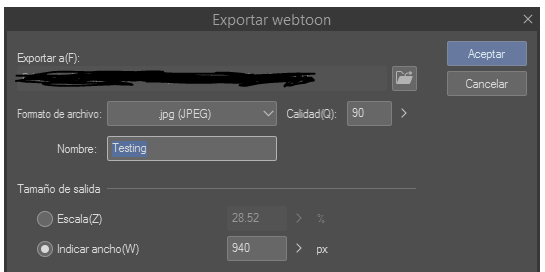
Work in a bigger resolution than both, then when you export it, you can make two separate folders or files with the Webtoon size, and the Tapas Size. I would recommend making the canvas at 1600 x any lenght then, as most of drawing softwares have a "Export" feature, there you decide where to put the files.
I usually make 5 folders, the High-Res version, a Tapas.Io version, a Webcomics App version and a Webtoon version, I simply export, alter the values and then, I have each file for each website.
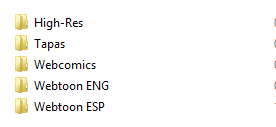
And this is how simply I keep my files, I don't bother slicing them since I know both Tapas and Webtoon have the auto-slicing features when you oupload a comic in each platform, so that's it
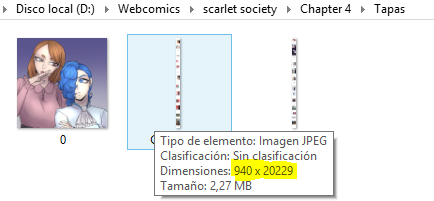
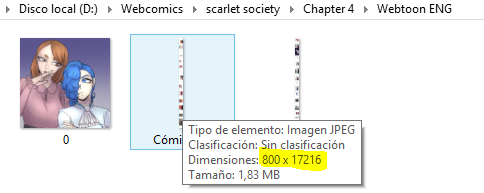
You won't have a problem if you either have your comic on Webtoon's or Tapas's size. Both sites will load the files and most of the time they will look mostly the same especially on mobile devices, if you're using Webtoon's image sizes then it may look just a tiny bit blurred on Tapas but nothing extremely damaging.