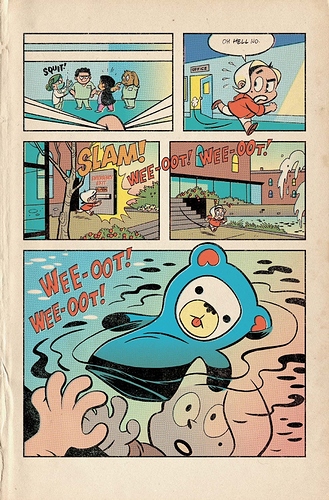
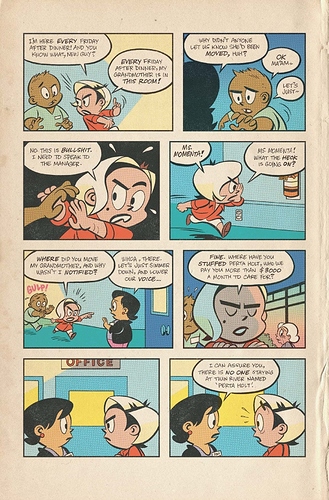
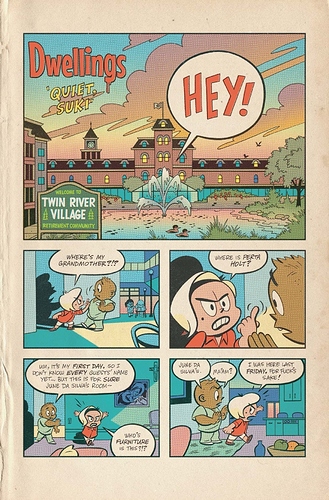
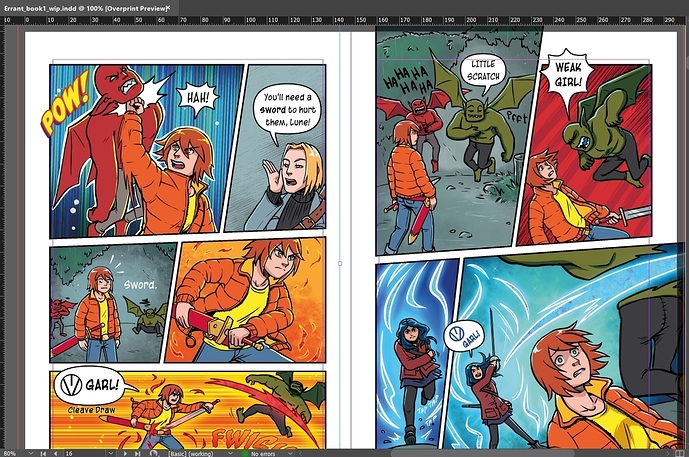
For Errant's panels, I use the standard Clip Studio frame for an A5 print comic to work out the safety zone, trim and bleed. I have a custom panel cutter tool for the gutters, because I like to have comparatively narrow borders between panels going horisontally compared to vertically. Of course, the space between panels going vertical is increased on the web version of the comic. The print version you can see my template much more clearly:
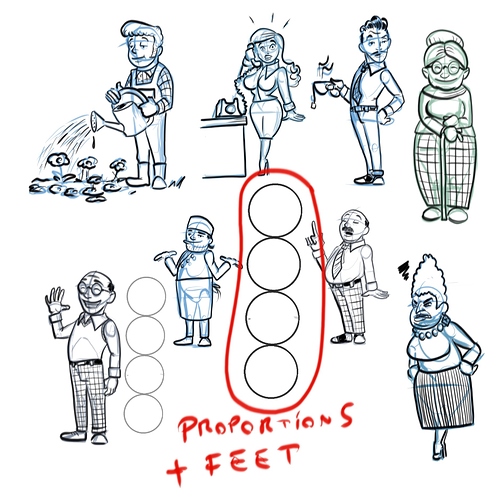
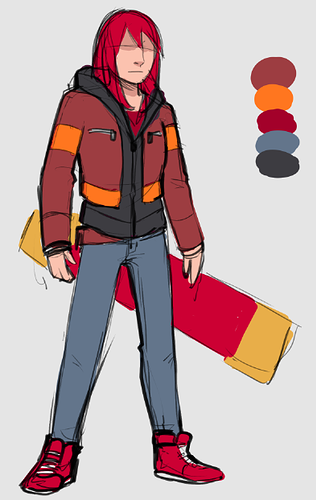
I don't tend to use model sheets because I draw Errant in my "default" personal style and plus I'm in Clip Studio EX where it's pretty easy to jump back to previous pages to check details when working in comic mode. My character designs tend to be drawn very roughly like:
The main thing I'm usually looking for is just the general overall balance and shape of the design and how the colours look together. I'd probably only draw a really tight turnaround of a character if I was collaborating with one or more other artists on a project.
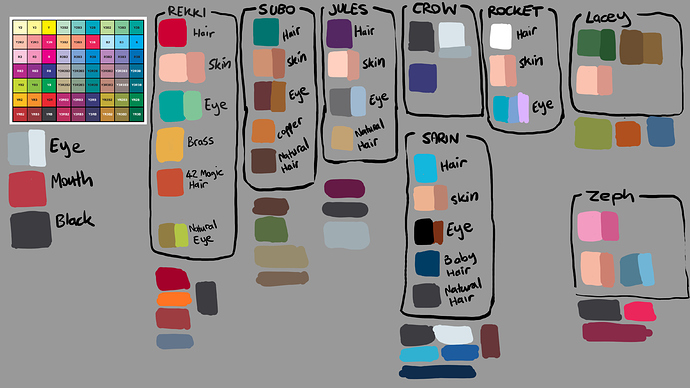
One template I DO use religiously though is the palette!
Clip Studio has this REALLY USEFUL feature called "sub view" up in the same part of the UI to the Navigator, where you can put a reference image and even have the default cursor change to the colour sampler tool when mousing over it, which saves tons of time. I just drop my palette in there and don't need to switch tools when colouring.