If your lineart and grayscale are on different layers, you could just duplicate the grayscale layer and on the copy use the bucket tool and fill in the colors you want. Then fix up the edges. That is what I usually do.
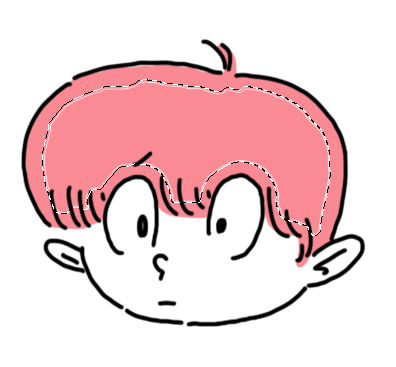
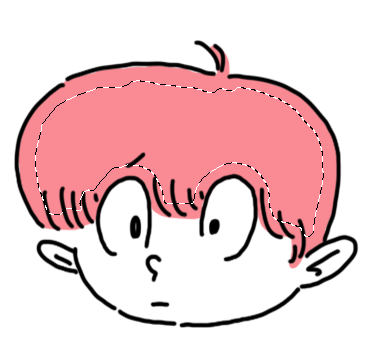
If you only have lineart, and you don't have gaps in your lines, you could use the selection tool, select the area you want for a color, expand the selection by a few pixels, then use the bucket tool in it. You might have to fix up the edges.
If your lineart has gaps, you could add your color on the edge and select the middle, expand a few pixels, and fill in twice with the paint bucket.


If you fill it in only once, you will get a white ring