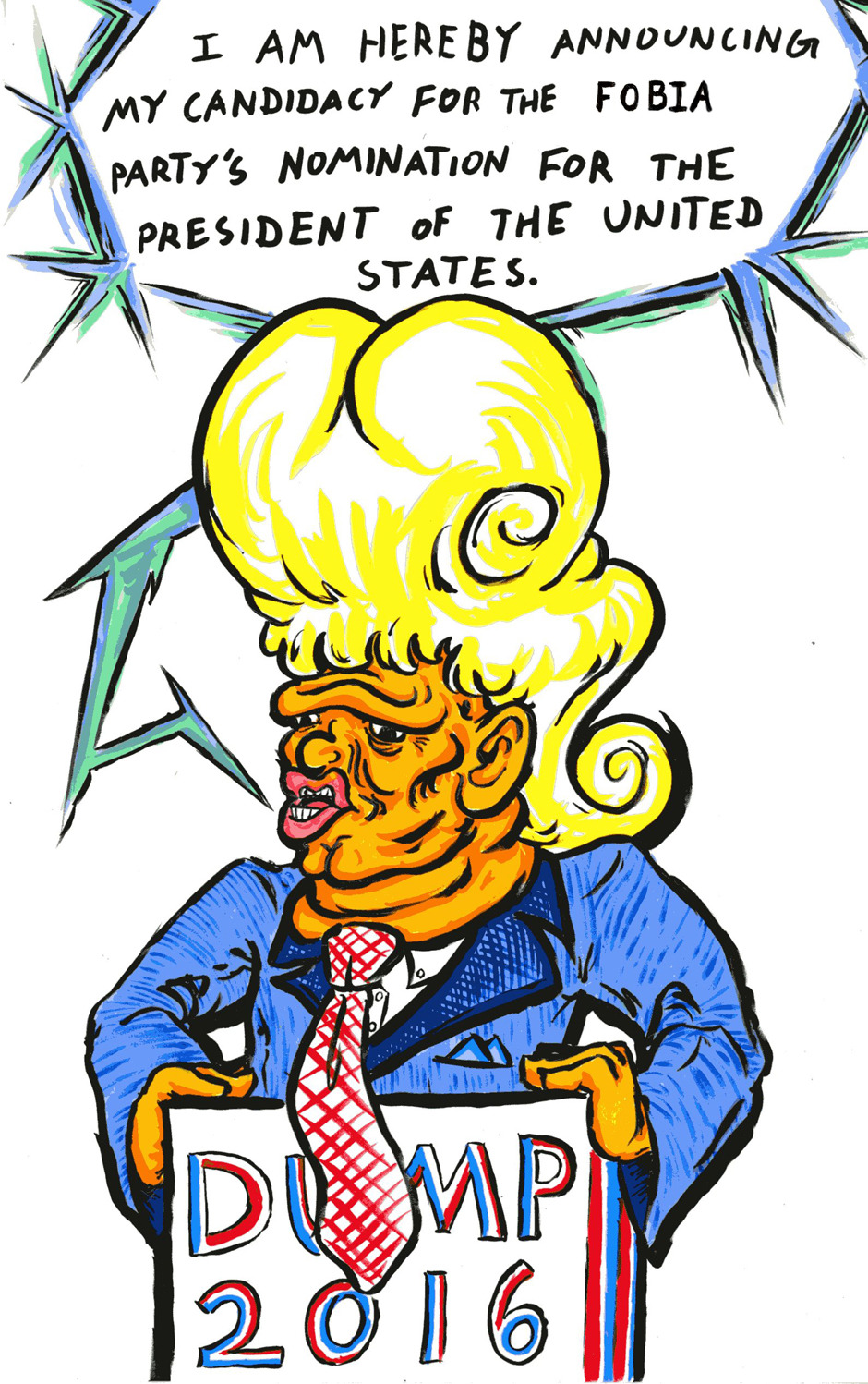
Usually keep it the same size and bubble thickness (between comics too, though I've made a few changes as the comic went on) unless purposefully making the text bigger or smaller to show a character shouting/talking quietly, though a few times I've had to make it a few sizes smaller if it was too big to fit in the bubble and the bubble couldn't really be made any bigger (though in those situations I usually try to cut down text or reword things first, if possible... unless of course when it's purposefully MEANT to be a textwall, which was the case for one of those situations)
I... should probably get better at sketching out balloons before adding them. Though even then it can be hard to tell if my text is gonna fit just from that, I pretty much have to actually type it out to be sure.
As for fonts, I use "Sunday Comics" from blambot, mostly because it was one of the few free lowercase comic fonts (I'm personally not a fan of doing all-caps comics, I don't mind it in other comics but for my own it just doesn't seem to fit). And I like how it kind of "sticks out" while still being easy on the eyes to read large amounts of. For other text (some panel descriptions ect) I often use mini-wakuwaku... or just stick with Sunday Comics.
Yep! I recently put a bubble over another character's face to imply that the other character was talking "over" him and getting the attention instead. Generally the rule is "don't put bubbles over characters' faces", but here I purposefully broke this for a specific effect. There's lots of little storytelling tricks you can do here...