Hi Papaladie 
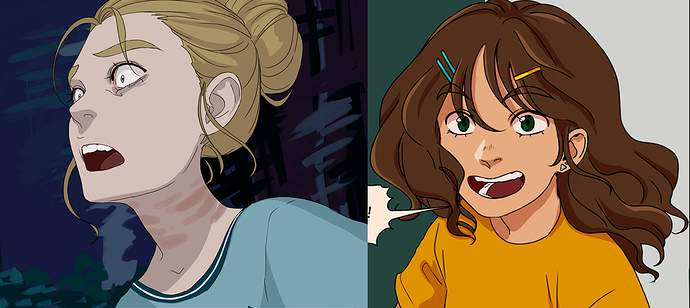
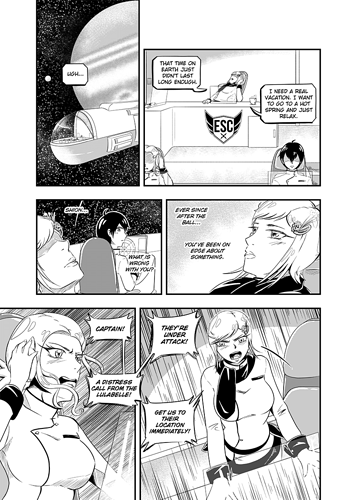
I work on a 210mm*297mm canvas on 350 resolution, that I then resize to 50% of its size once I'm done (the big initial size helps making details, and then resizing hides the pixels and smoothes the details).
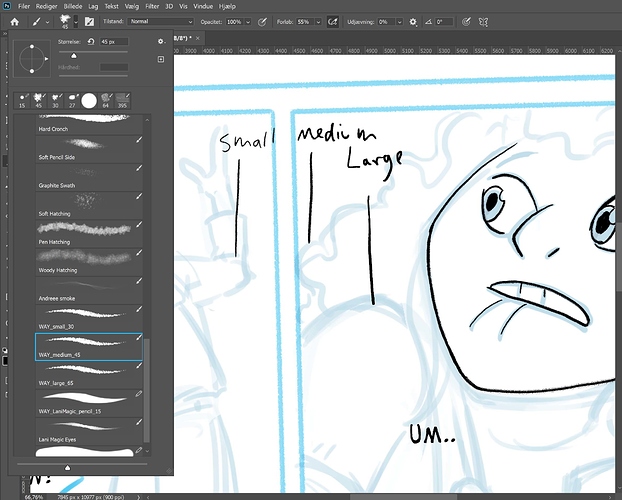
As for the brush, as I draw in black and white, lines need to be a bit thick. I use 9px for main lines and 6px for details, hair and "light" fabrics/materials, with minimum size value at 40% (to prevent the brush tip to be too small and invisible).
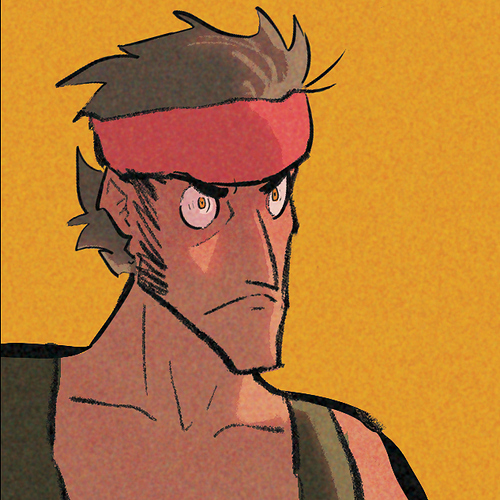
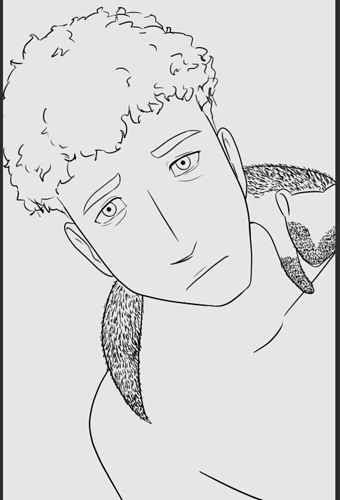
Kelheor : nice lines
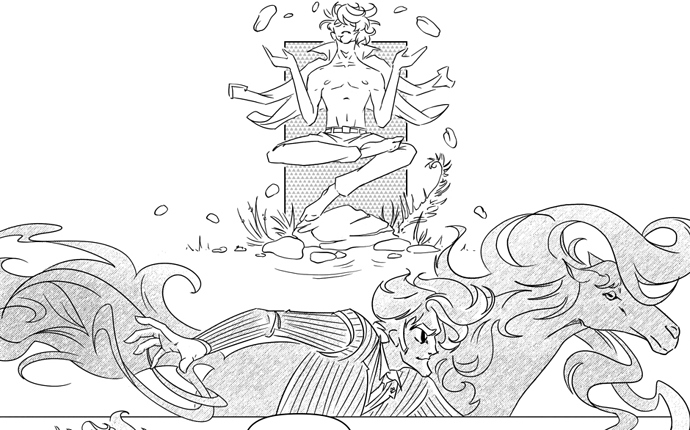
If I can help with some tips of my own to make smooth lines : use big strokes if you have a long and easy line. But as soon as you have a complex line (such as the nose or the hairline on Kelheor's left exemple), zoom as much as you feel comfortable and use small strokes. If your stroke is too far from your original sketch, you can CTRL+Z. If some part of the line is good enough, but not the whole line, you can just erase the part you don't like, living the tip of your line in a "pointy" shape, so that you can resume your line correctly. Sometimes, when I get frustrated because my lines are almost right but not right enough, I create a temporary new layer with only one stroke that I move/rotate so it's nicely lined up with the rest of my drawing.