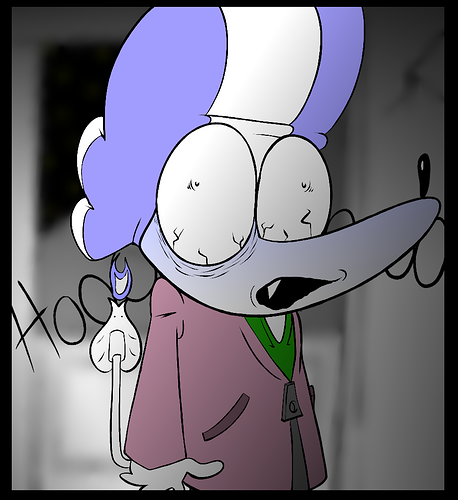
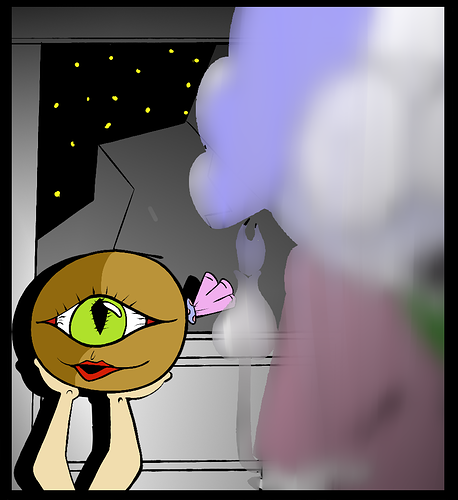
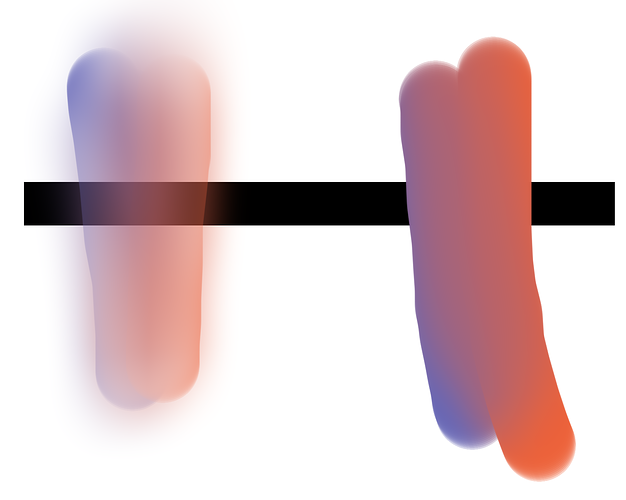
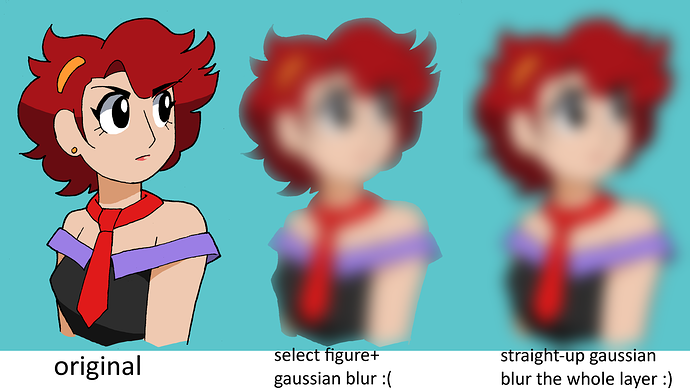
So it looks like you kinda just took this brush, selected the figure, and went to town on it...?
That technique would work with the background, since it has a mandatory outline (the panel border) so you can't see where the blur effect stops prematurely.
But objects within the panel don't have that, so they need to be blurred all the way. Like other people have said, blur the edges; it's not gonna look right otherwise.
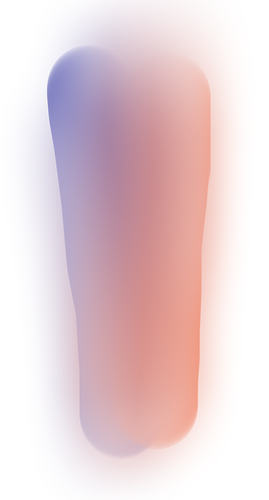
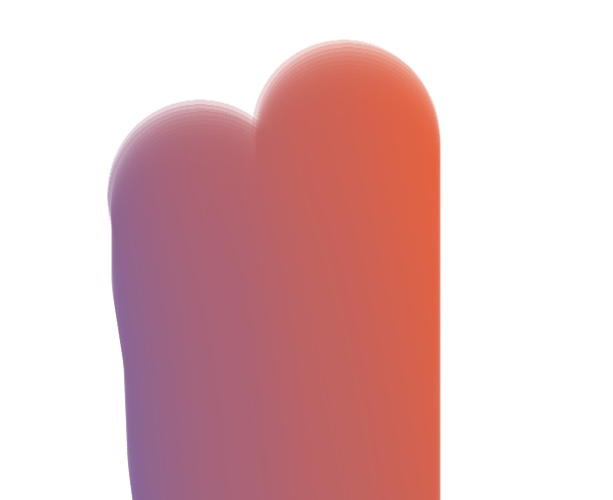
Maybe try using the effect without selecting the figure [see below]. If that's not possible, you'll probably have to find another technique.