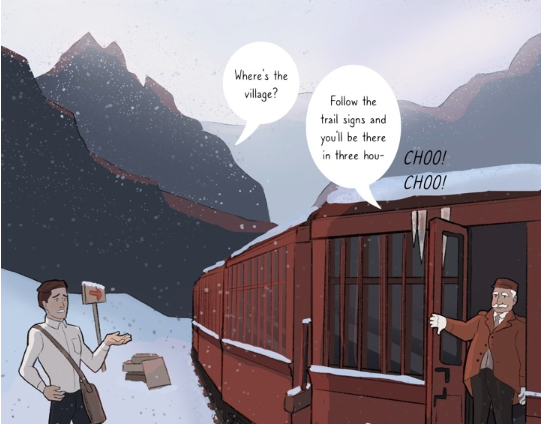
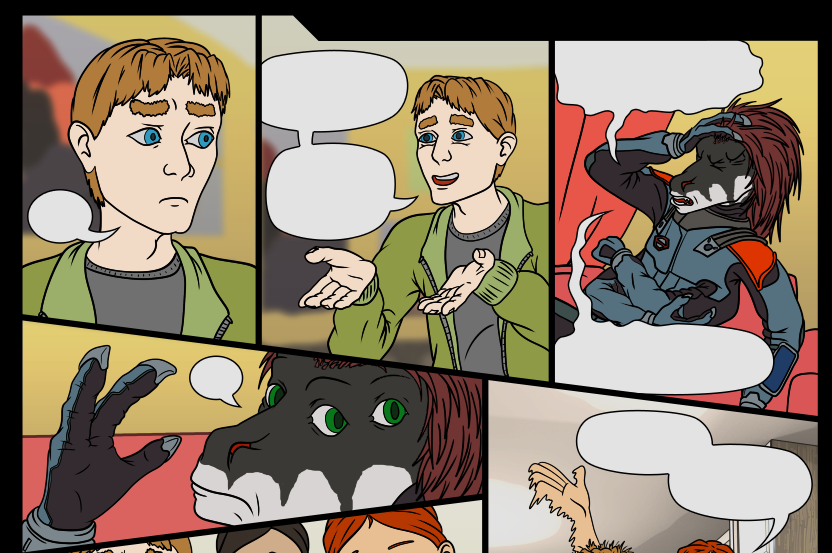
I love hand-drawing my bubbles, it allows me to be more expressive, like if someone's nervous the bubble would be more wiggly stuff like that.
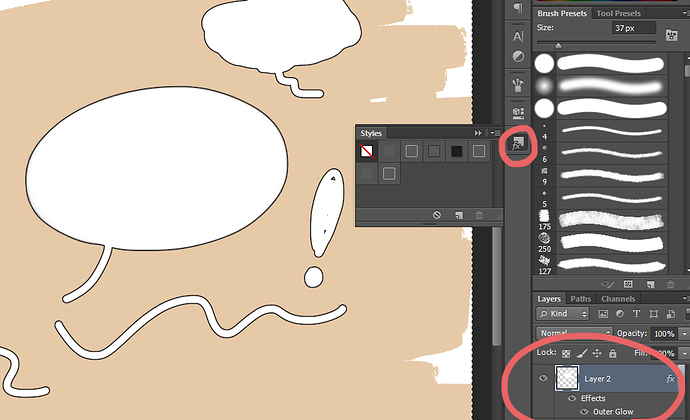
There is an option in Photoshop (I think I saw it in CPS too) were you can add an outline to your brush strokes and I use that for all my bubbles because it's faster. Its still simple and clean while also having a hand-drawn feel, it looks like this:
Right click on a layer then click "Blending Options"
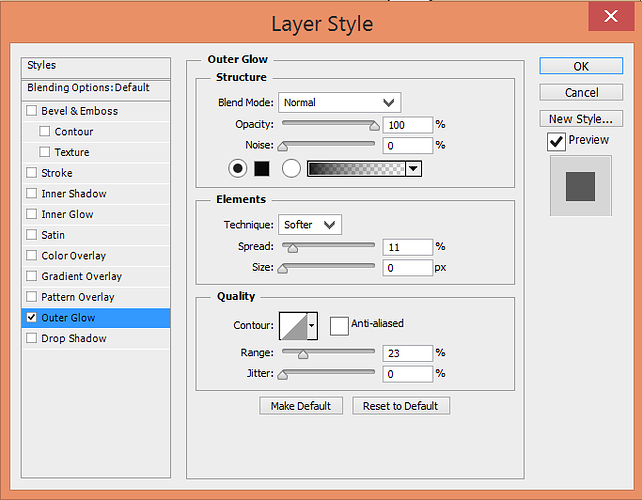
Right click on a layer then click "Blending Options" you'll get a pop-up which allows you to apply a "style" to that layer.
These are my settings, you can change the thickness of the outline however you like. You can also save these settings perminently in the "Styles" window (the small circle in the screenshot above" so like anytime you need to draw your speech bubbles you just click on that for the outlines!