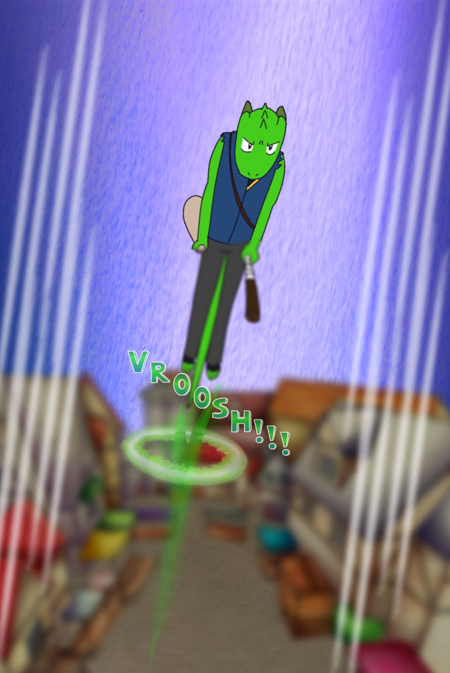
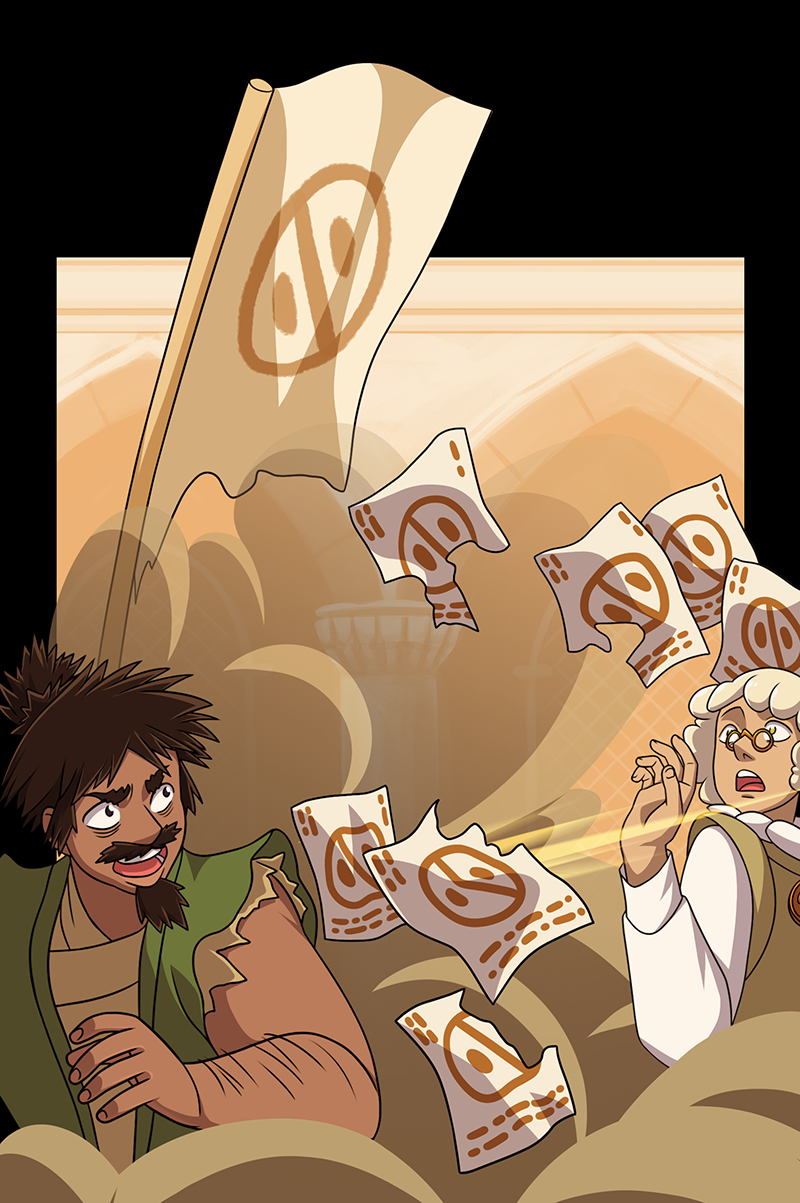
I actually tend to spend more time on my backgrounds than I do on the main subject, but I don’t do a comic (yet), I do static images for my webnovels. What makes this even more difficult is that I am a total novice at digital art and only recently learned how to use such basic tools as layers and transparencies!
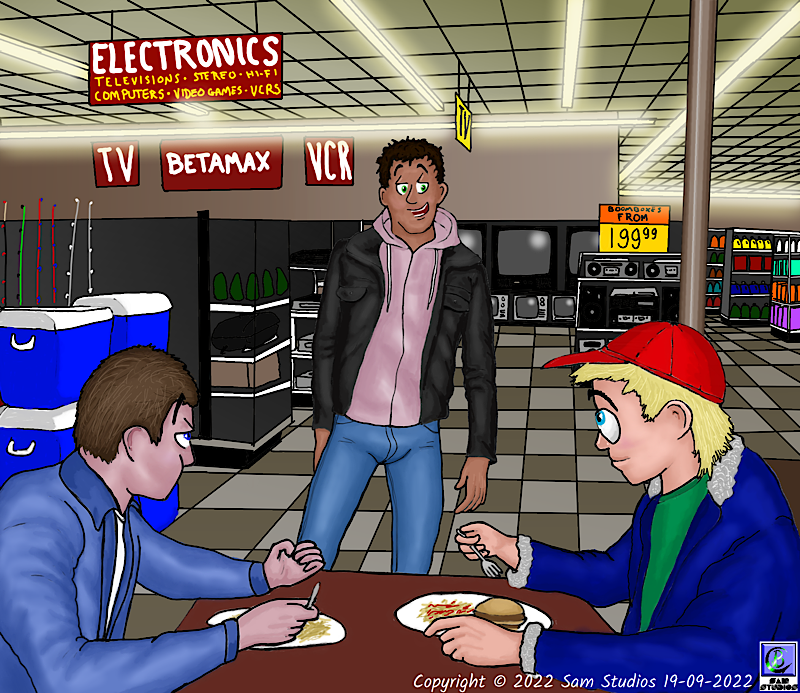
For example, in this drawing from my first story, Wild Nights, Hot and Crazy Days, depicting the interior of a 1980’s K-Mart, this was all done “flat”, all on one layer just as you’d do on paper. I was just starting to figure out lighting here, as you can see by the fluorescent lights and the picture tubes on the TV sets, but even this was primitive. I used the “airbrush” tool, adjusted size and transparency, and drew right over the other parts, then went in and cleaned up where the light shouldn’t be (such as the support column).
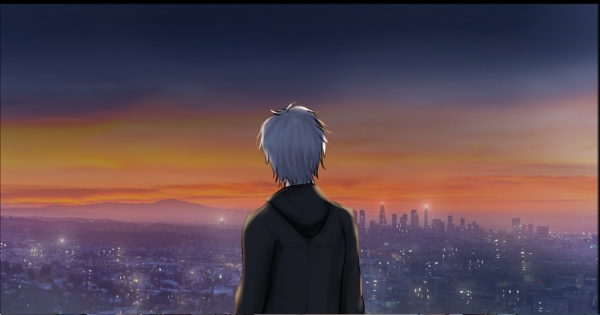
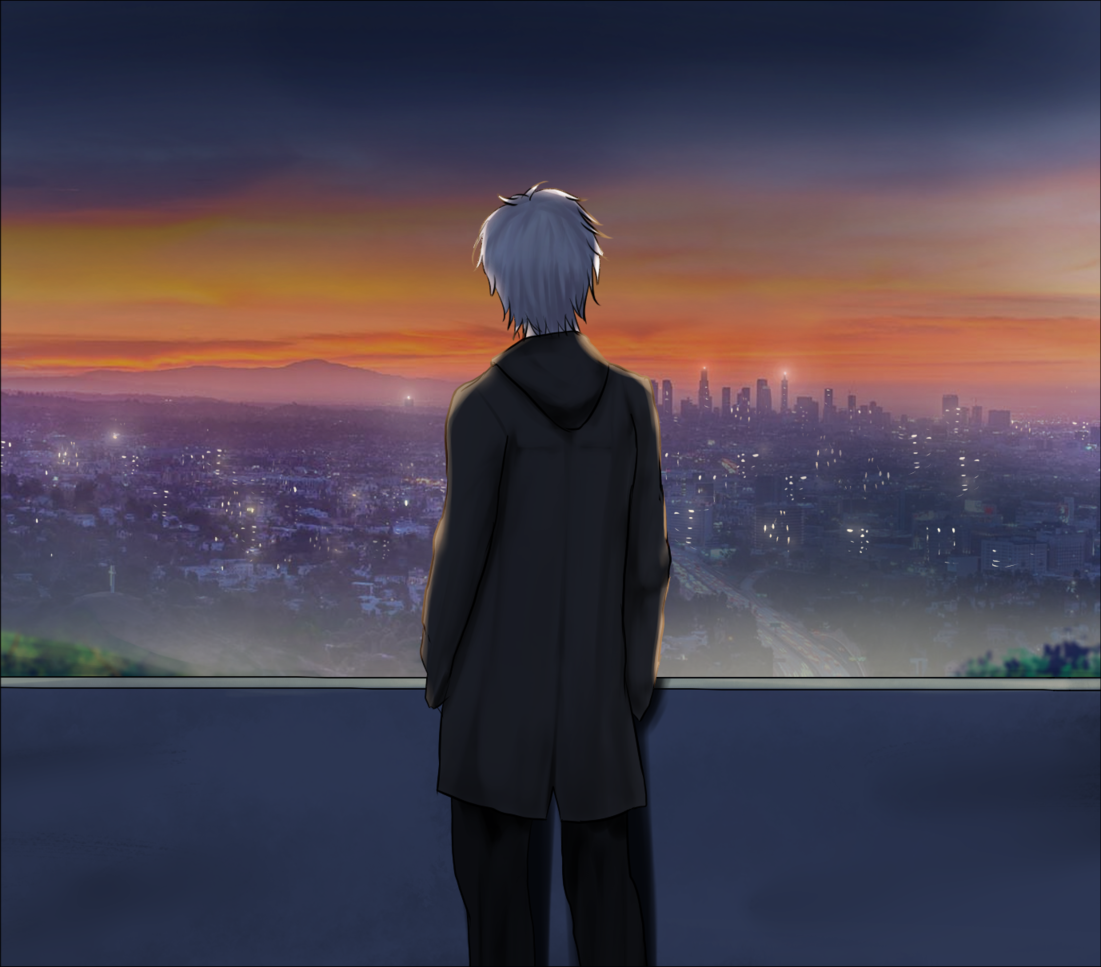
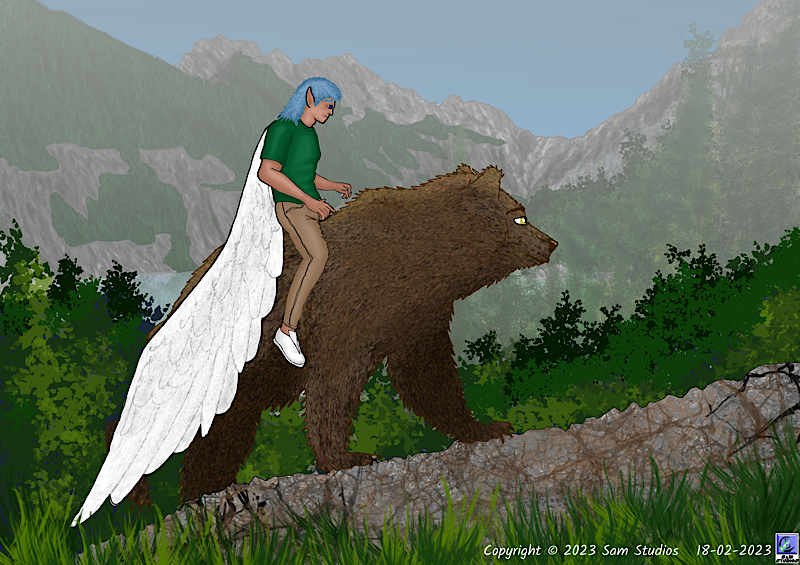
I believe this image from my second story, Finding Daecon’s Way, may be the first one I ever did using layers. Even then there are only two: the rocks in the foreground, the bear, and the dude are on one layer while the mountains, trees, and sky in the background are on the other. I got the “haze” effect by using a gradient covering the entire background layer.
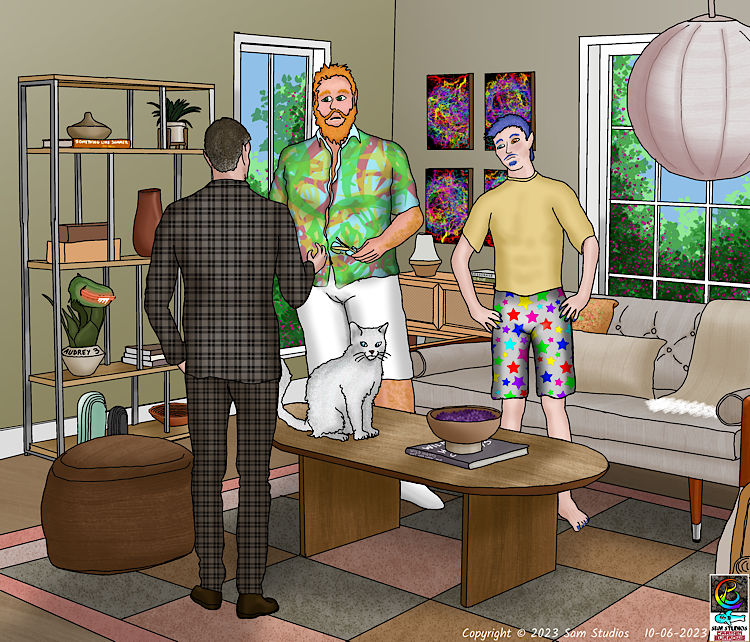
Finally, I figured out that I can use multiple layers. In this image from Finding Daecon’s Way I think there were more than ten layers. Each character (including the cat) was done on a separate layer, as was each texture in the background (the different colours in the rug each had a layer, the wood grain in the table and hardwood floor each had a layer, the corduroy in the couch cushions had a layer, as did the corduroy on the pillows. Of course the final file size was MASSIVE, but once I saved a copy as a PNG it became more reasonable:
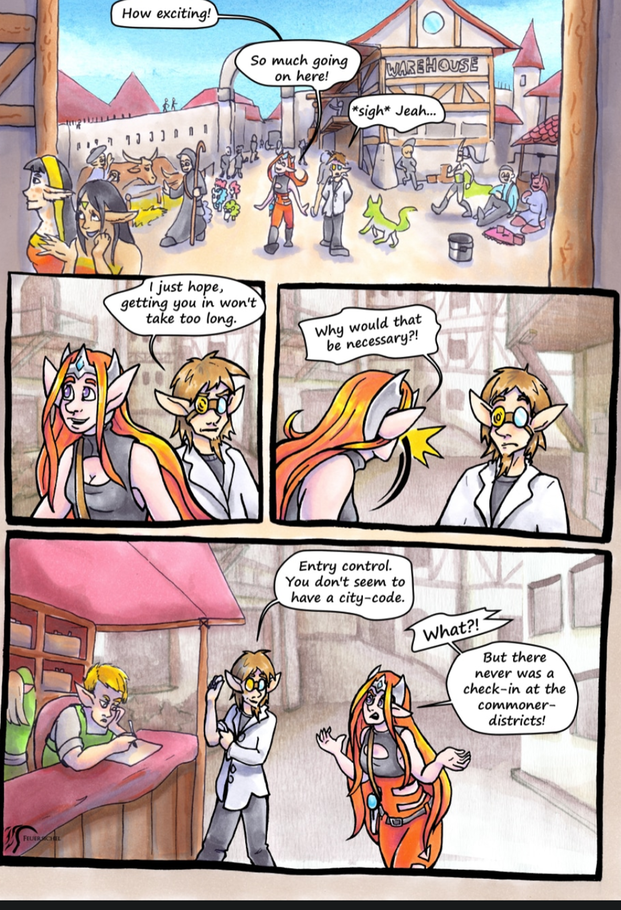
When I do eventually make a comic adaptation, probably of Wild Nights first, I will spend considerably less time on backgrounds, and I will probably make the characters look more simple and cartoon-like as well.