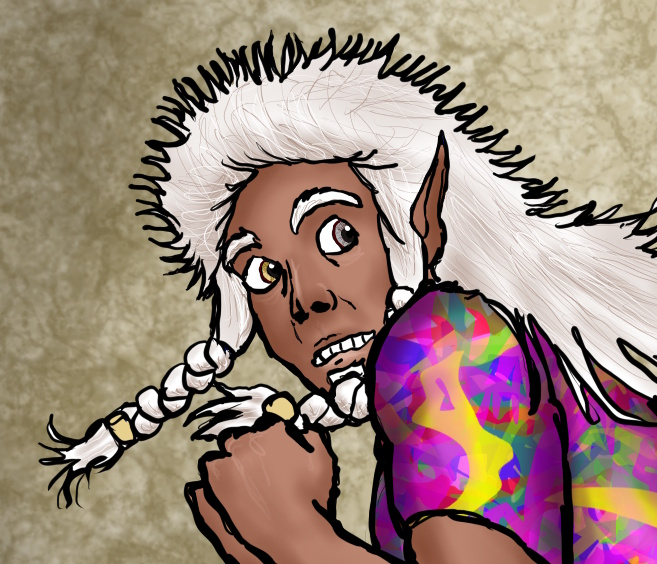
So you want an easy-to-learn but slightly elevated free art program...might I recommend https://getpaint.net/
I moved to it from MS Paint like a billion years ago when I was a kid, thinking I could use it as a stepping stone to the fancier art programs...and as it turns out, I actually really like its simplicity and have no desire to move on from it. ^^; Just to show what I mean, here's what its interface looks like:
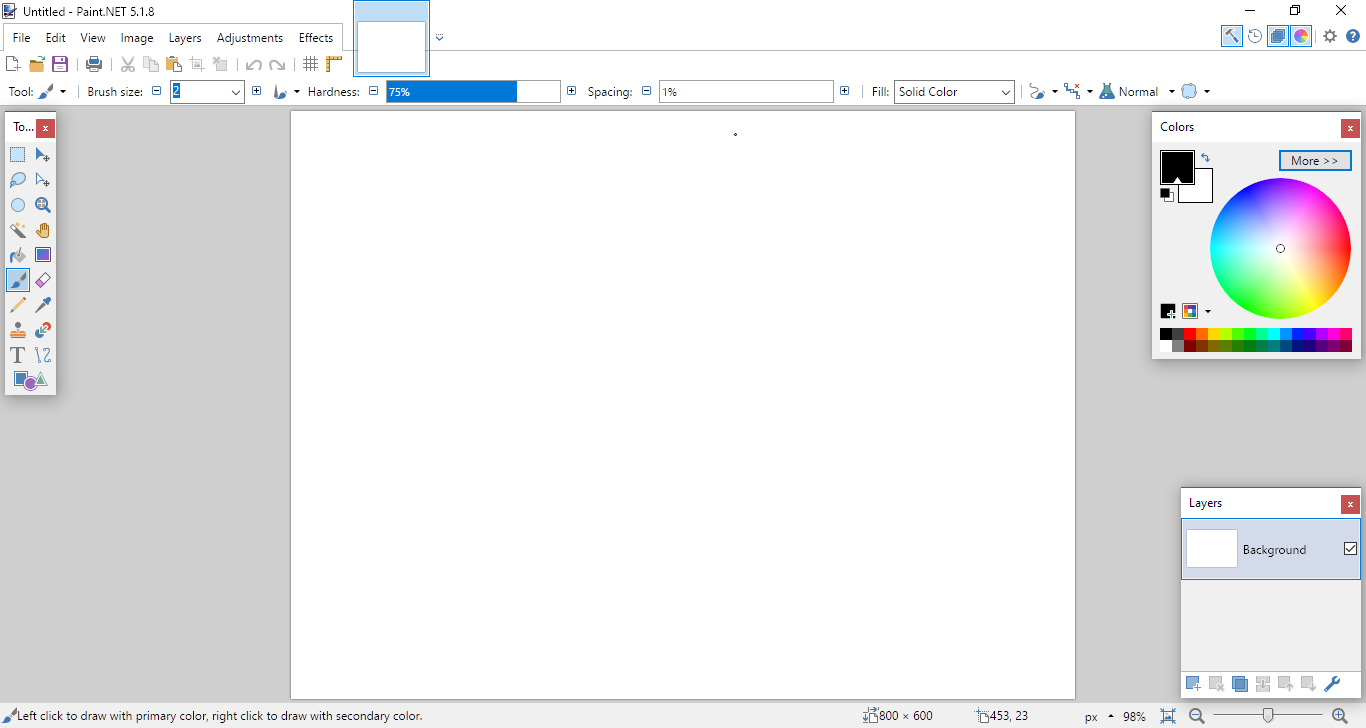
It's a lot less daunting than other art programs I've seen...you can easily trial-and-error your way through understanding everything on the screen. And once you're through with the basics, there are plenty of fancier tools for you to explore under Adjustments and Effects.
So, uh...this is a bit of an aside, but are you sure this isn't just user error? ^^; Like, are you saving things as JPG/JPEG instead of PNG?
I had that exact same problem when I was a kid, which is how I ended up learning what file types are and what they mean. For example, JPGs give smaller file sizes, but at the cost of introducing artifacts to the saved image...I'm guessing those are the 'pixels' you mentioned. This is why you'll re-open the image to find a bunch of multicolored pixels smeared all over everything, particularly fine lines and details.
PNGs, on the other hand, preserve the image as-is. If you save a drawing as a PNG, it will look exactly the same next time you open it up. However, this comes at the cost of bigger file sizes when the image is large enough/contains a large enough range of colors.
As someone who works with aliased lines and rendering almost exclusively, my color ranges are very small anyway, so that trade-off is perfectly acceptable to me.  But if you work like most digital artists do...with HUGE canvases, anti-aliased linework, painterly-styled rendering with lots of blending...it's gonna add up, and you're gonna have single images that are 5MB and above. ^^; Paint.NET gives you the option to work either way, so it's really up to you what you're comfortable with there.